Video Editor SDK Agent
Meishe Video Editor SDK is a robust, cross-platform video editing SDK with advanced AI capabilities and engagement-driven effects. Integrate in minutes — programmatically or via Agent Skills.
12 years in audio and video·1,000+ companies served·600M+ installs·30+ countries
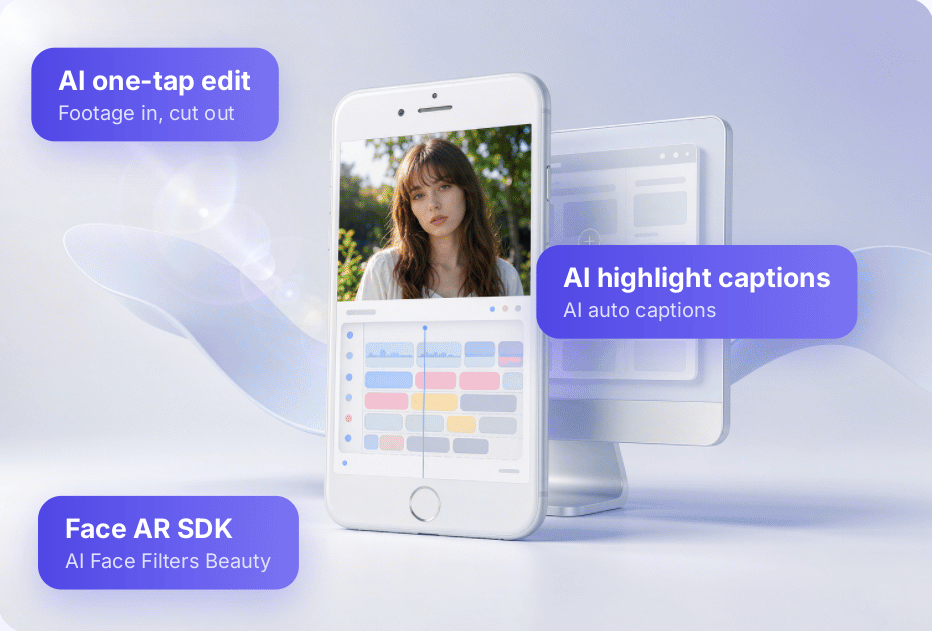
The three things buyers check first
Building video creation in-house costs more than the budget line
Hand them to an SDK already running across platforms in production apps.
Run it on your own devices
Trial SDK, license and demo arrive first. Measure preview, editing and export on target hardware before anyone talks pricing.
Ship only what you need
Capture, editing, filters, captions and music switch on per product, and every colour, icon and UI string follows your brand.
Updates are someone else's job
Export presets, asset packs and licensing land together, with OS releases and new device coverage tracked for you.
Capabilities
AI SDK capabilities out of the box, split by module
Agent Skills assist development; verify every feature in the Demo.
Multi-track editing
Layer clips, trim frame by frame, speed curves
Transitions and effects
Basic, stylised, 3D and animated, length adjustable
Filters and colour
Atomic effects stack freely, parameters exposed
Captions and text styles
One-tap caption styling, karaoke highlight
Music and voiceover
Soundtrack, fades, EQ, denoise and voiceover
Picture-in-picture and masks
Multi-layer compositing, masking, blend modes
Stickers and motion
Static and animated stickers, particles, brush
Video templates
Intros, overlays, effects and text in one pass
One-tap video
Pick clips, apply a template, edits itself
Beauty and reshaping
Skin, contour, micro-adjust, makeup, graded
HDR pipeline
End-to-end HDR that preserves highlight and shadow detail
Quality & super-resolution
Denoise, sharpen and upscale low-res footage for reuse
The capability list follows the latest product documentation; a demo and measurement notes are available per module.
Agent Skills
Integrate in minutes with Agent Skills
Reduce custom coding effort — tell your Agent platform what to build, Meishe official AI‑Skills provide guidance for proper SDK integration.
Prebuilt Skills
Common integration steps packaged as Skills to help teams adopt the Meishe SDK faster
Fast deployment
SDK and demo ship together; integrate from the docs
Service out of the box
Callable once deployed, no AI service to build yourself
Shorter development cycle
Less in-house build, more time for differentiation
Skill coverage follows the bundled documentation; the current list is available on request.
Product map
One engine, a full product line
The full Meishe product map from product forms and algorithms to core SDKs — the Video Editor SDK Agent shares the same stack; trim and combine per project.
The product map evolves with each release; exact module composition follows the latest product documentation and commercial confirmation.
Specs
The numbers buyers ask for
Figures follow the latest measurements, and a per-device test report is available before integration.
Reference vs. in-house build; varies with project scope
Plus native iOS, Android, Web and PC integration
Measured per enabled module; detailed breakdown on request
Editing and export can run on device; cloud rendering and public-network deployment are also supported, chosen per scenario
Colours, icons, copy and layout follow your brand
By app package or device, quoted per scenario
Why Meishe
The questions that come up in every evaluation
These are the key points buyers repeatedly confirm during evaluation; final details depend on each vendor's actual offering.
| Dimension | Video Editor SDK Agent | Common alternatives |
|---|---|---|
| Capability coverage | Capture, editing, filters, captions, music and export in one SDK | Several point solutions stitched together, formats aligned by hand |
| Engine | Shares one render engine with the Meishe beauty SDK, effects stack without rework | Several engines loaded side by side, cost and compatibility verified in-house |
| Interface | Colours, icons, copy and layout are open to change | Fixed UI, restyling costs extra and waits on a roadmap |
| Maintenance | Founded in 2014, 12 years of audio-video expertise, products updated continuously | Maintenance pace depends on internal priorities |
| Evaluation | Trial SDK and license first, measured on your own hardware before you commit | Framework agreed first, hands-on validation comes later |
The right-hand column describes common approaches seen during evaluation, not a judgement on any specific vendor.
Use cases
Eight industries, eight ways to land
The same SDK is used differently in each industry; every scenario below has a matching capability set and preset templates.

Internet
Content platforms and community apps with built-in creation tools

Smart vehicles
In-car and driving footage processed, edited and shared
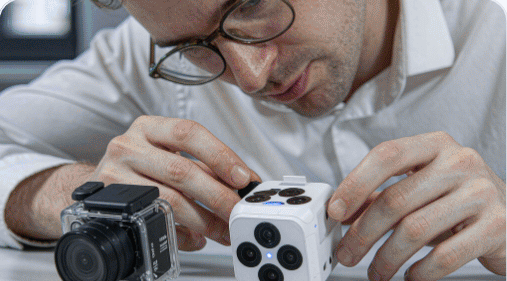
Smart hardware
On-device image enhancement for cameras and action cams

Social commerce
Creator and shoppable short video produced in volume

Live entertainment
Live effects, co-host layouts, instant highlight clips
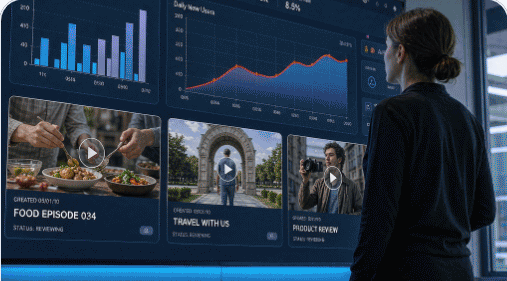
Digital marketing
Ad creative generated, re-cut and exported in sizes
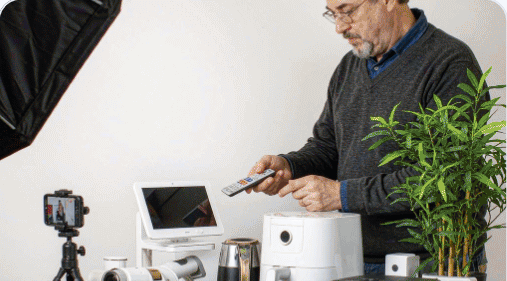
E-commerce retail
Product hero videos and listing clips made quickly
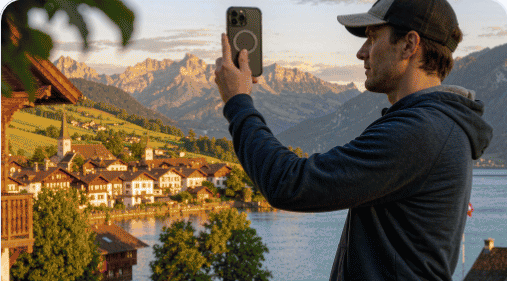
Tourism and attractions
Promo films and visitor clips produced from templates
These are typical deployment directions; the exact capability mix is confirmed per project.
More than video editing
More AI SDKs, mix and match
Meishe also ships the audio and video capabilities below on the same engine, so they can be switched on inside the same project.
AI Beauty SDK
Supports real-time beautification, facial reshaping and virtual makeup during video capture and editing.
Web Video SDK
Full-featured web video editor supporting timeline editing, media compositing and in-browser real-time preview.
AI Image Editor SDK
Image denoising, color optimization and photo restoration for capture and post-processing workflows.
AI Stitching SDK
Intelligent footage stitching with smooth transitions to combine clips into complete videos.
AI Subtitle SDK
Speech-to-text auto-captioning, featuring multilingual recognition and customizable subtitle styles.
Combinations and available versions follow the official product list.
Integration
Four steps from first call to launch
Each step comes with a concrete deliverable, and integration issues are handled by the engineers who own that part of the SDK.
Requirements
Align scenario, target devices and launch timing, and agree which modules switch on.
Trial and measurement
Trial SDK, license and demo so preview, editing and export run on your real hardware.
Integration
Module composition, UI theming and export presets, with asset packs and acceptance criteria agreed.
Launch and iterations
Licensing, documentation and launch support, with OS updates and device coverage tracked.
FAQ
The six questions buyers ask before signing
Answered where we can. Anything scenario-specific is confirmed by sales once they understand your product.
Which platforms are supported?
Supported across mobile, Web, PC, smart hardware and smart-cockpit platforms, with the UI layer customizable to your brand guidelines.
Is there a free version?
There is no permanently free commercial version. Submit your requirements and you receive a trial SDK and license to validate on your own devices first.
Can I ship only some of the modules?
Yes. Capture, editing, filters, captions and music switch on per product. The exact package and licence scope are confirmed with sales.
How do I confirm export specs and performance?
Based on the latest test data; a per-device test report is available before integration, and acceptance criteria are agreed during requirement alignment.
Can it run alongside other Meishe SDKs?
Yes. It shares one render engine with the AI Beauty SDK, so effects stack without rework. Exact version combinations follow the product list.
What does support look like during integration?
After you submit your requirements, sales, pre-sales and engineering follow up together with solution walkthroughs, documentation, demos and debugging support; OS and device coverage keeps being tracked.