

A team sits down to divide a week of video work. The list is long: ninety minutes of lecture to cut into captioned shorts, a catalog of products that each need a clip, an interview recorded in a messy room, captions to type and time, regional variants of one campaign to render. Someone counts the jobs and notices they are not the same kind of job. Some repeat with every video and follow rules — transcribe, trim, fill the template, render. Others ask for judgment: which three minutes will people share, does the end card feel like the company, is this version the one that ships. Getting that split wrong is expensive in both directions. Hand everything to people and the backlog wins; hand everything to the machine and someone spends their week correcting its choices. The team is not asking whether AI can edit. It is asking what to hand to the machine and what to keep, and it wants the answer to hold next month, not just this week.
What Meishe’s SDK Gives You
Meishe’s SDK is an engine with an embeddable multi-track editor and the AI operations built in. The engine is a C++ core compiled for each place it runs — WebAssembly in the browser, native on iOS, Android and desktop, and server-side for rendering. The AI products fall on the machine’s side of the line.
AI captions are captions generated from the speech, landing on the timeline where you can fix any word. A course platform turns a recorded lecture into a captioned clip without anyone typing a transcript. AI smart editing is the AI that scans the footage, finds the usable parts, trims the dead air and orders the clips — you approve or adjust. The first cut of that lecture arrives as assembled segments a person keeps, drops or reorders. One-click video creation is the whole job: feed in the footage, get a finished movie back — the AI picks the good moments and assembles them. AI Vlog means point the camera or drop in your footage and it turns into a vlog-style video — highlights picked, cuts made, music and captions on; a travel app’s users post a ninety-second vlog of a three-day trip without ever learning an editor.
AI video templates are ready-made designs the engine fills with your footage, text and music; a shop feeds its catalog to one product-video template and gets a video for every item. AI beauty is face touch-up on sliders your users already know from photo apps, and background removal cuts a person out of a normal room with no green screen.
The automation carries these to volume. A video project is one JSON-format file a program can read and change. Batch rendering is a scheduler handing work to render workers, starting on one server and scaling to Kubernetes; the queue renders hundreds of videos overnight. Agent skills are ready-made packages that let AI coding assistants such as Codex, Cursor or Claude Code use the SDK directly — a developer describes the video, the assistant writes the project, the engine renders it.
Meishe’s Advantages
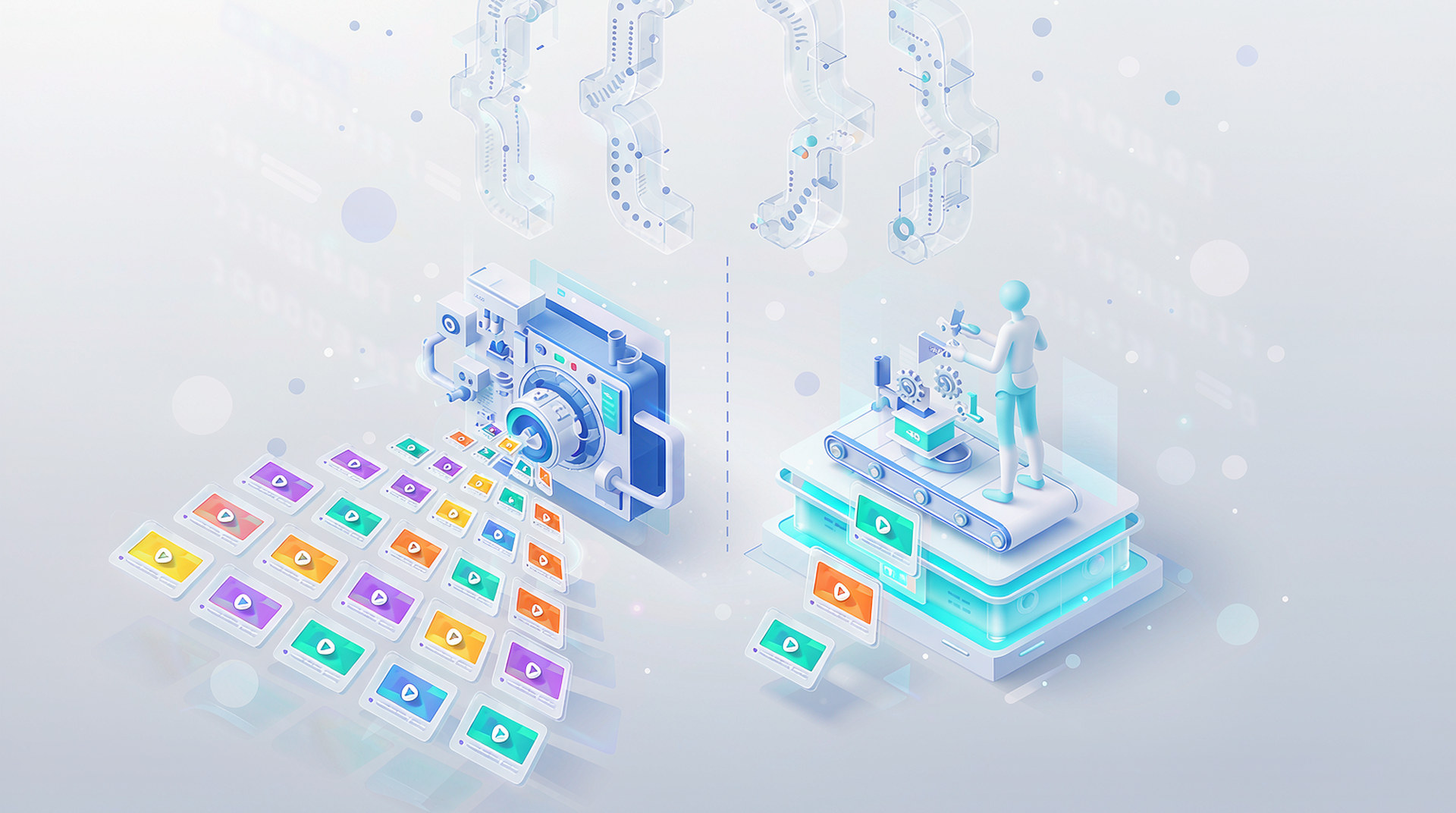
The division of labor runs plainly. The machine takes the repetitive share: captions typed, dead air trimmed, templates filled, queues run, drafts written. People take the judgment share: judging what is actually interesting, setting the brand taste once, giving final approval, fixing the machine’s odd choices. Nobody drags clips or types transcripts. The editor keeps the work that earns a salary, and the pipeline keeps the work that never ends.
Two things in Meishe’s SDK make that split work. First, machine output is editable rather than baked shut. The caption track sits on the timeline; the assistant’s draft opens in the editor. One project format spans both creation modes, so a hand edit and a pipeline’s thousandth render are the same kind of object. Fixing the machine’s work takes seconds instead of a full re-run. When the machine’s choices are wrong in small ways, the correction is a click, and when they are right, the volume costs nothing.
Second, the pipeline runs where the footage is allowed to run. Private deployment puts the engine and the render queue on your own servers, on-premise or in your cloud. The automation never requires handing media to someone else’s machines. Media, jobs and rendered output stay behind your perimeter.
How Cooperation Works
Start with the editor demo, which is free to try, and see the machine’s output as editable timeline objects on your own footage — a caption track to click into, a first cut to approve or reorder. The next step is a technical discussion about your platforms, your pipelines and the capabilities your team’s job list calls for. Then comes the commercial licensing discussion covering the scope you settled on. Deployment lands on your own infrastructure, engine in your apps, render pipeline on your servers. Nothing in the sequence asks the team to send footage anywhere first, and every step ends with something concrete to evaluate.
Common Questions
What still needs a person? Judging which of the machine’s candidates people will actually watch, setting the templates and styles that encode brand taste, giving the final sign-off, and correcting the occasional misheard name or clipped cutout edge. Fixing those takes seconds when the output is editable.
Which platforms does the SDK run on? Web, iOS, Android and desktop, plus the server pipeline. The browser runs the engine as WebAssembly, so previews happen without a server wait.
Do the AI features need outside services? No. The AI products and background removal ship inside the SDK as engine operations and run within your own deployment.
Can the editor carry our own branding? Yes. The embeddable editor is re-skinnable, so the approval work happens in an interface that looks like your product, not a third-party tool.
Do automated and manual editing coexist? Yes. They are two creation modes on one platform sharing one project format. A machine’s draft opens in the editor, and an editor’s project can join the batch queue.
How do we evaluate the division of labor on our work? Bring the week’s actual job list to the editor demo, hand the repetitive items to the AI operations, and check what the machine returns against what a person would have produced.
The useful split is old and simple: the machine takes the work that repeats, the people take the work that judges. Meishe’s SDK implements the split concretely — an embeddable editor, engine-level AI, JSON projects, a batch queue and agent skills on one platform, running privately on your own servers when the footage demands it.