

Desktop gets treated as the platform you port to after mobile, and that assumption quietly produces bad decisions. A video editor SDK for PC applications solves a different set of problems: projects that stay open for days, timelines with dozens of tracks, packaging that cannot be simplified for a smaller screen, exports nobody wants to babysit, and users who own their hardware in a way visitors to your website never will. “Best” here means closest to those constraints rather than highest in a ranking that cannot know them.
Two things follow from taking desktop seriously. First, the ceiling matters more than the footprint: on a workstation the binding constraint is the machine in front of the user, not what an SDK adds to a binary. Second, the desktop is where batch work belongs, because it is the target with sustained power sitting idle overnight.
This article covers what changes on desktop, how the deep editing model is used, how to think about export budgets on local hardware, how batch output fits with the template approach, and how a desktop project stays portable to mobile and web targets.
1. Product Positioning
Meishe Video Editor SDK is an all-in-one video editing SDK built on a self-developed video processing engine with a broadcast-grade NLE (Non-Linear Editing) architecture.
It runs natively on desktop alongside iOS, Android, Web, and server targets, with one timeline model shared across all of them. Your application owns the interface — desktop has no shortage of screen area, so the interface decision is yours entirely — while the engine owns decode, timeline evaluation, GPU rendering, audio mixing, and encode. Modules are adopted per feature set, including optional AI ones, and private deployment is available for installations that must stay inside your own network.
2. What desktop actually changes
The differences are about scale and patience more than features.
Session length. A mobile session is minutes; a desktop project can stay open across days, crash recovery included. That shifts what you must build around the engine: continuous autosave, explicit project persistence, and a design assumption that the process may be interrupted at any point without losing the edit.
Project scale. Dozens of tracks with nested sequences, effect stacks, and asset references are ordinary. Preview policies matter more than raw capability: when a timeline exceeds what the hardware can render interactively, the engine should degrade its proxies rather than freeze the interface.
Input and precision. Keyboard workflows, modifier interactions, frame-level nudging, and multi-monitor layouts are expectations rather than niceties. None of that comes from the SDK; all of it is interface work your team owns, which is why desktop UI effort is consistently underestimated.
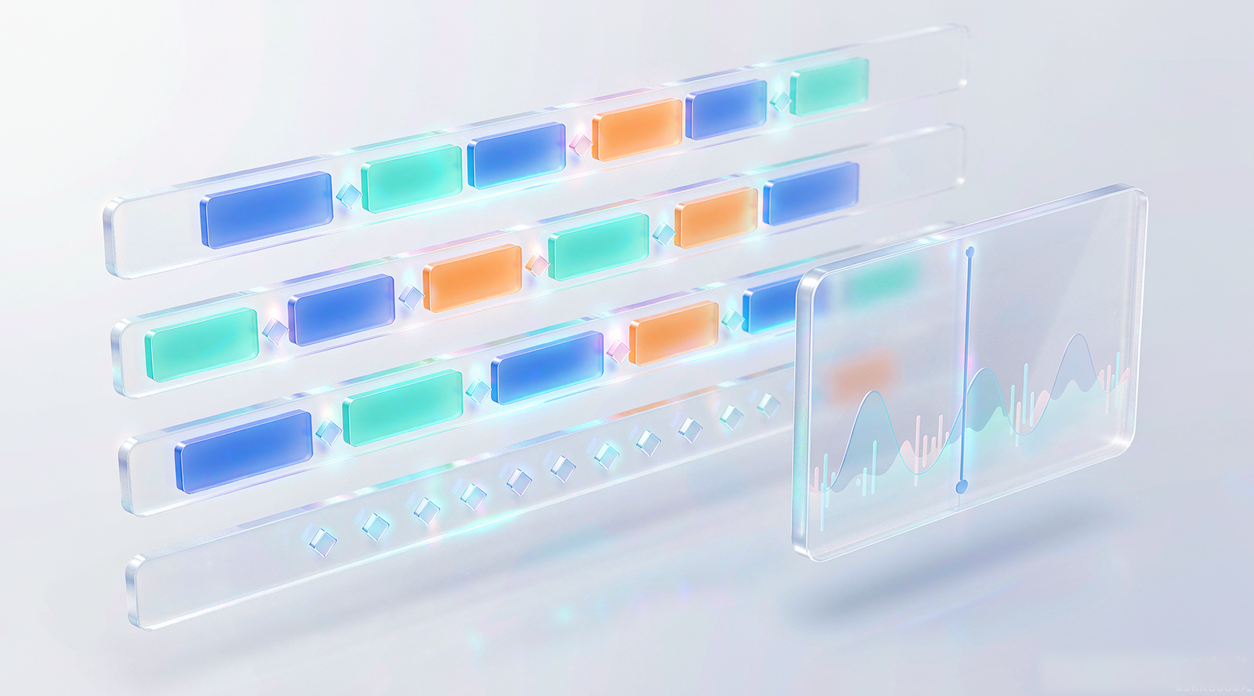
Local resources. A workstation is yours to consume. That is the enabling difference for batch work, discussed below.
Those four differences usually show up as a shift in priorities when the same engine is used on a phone and on a workstation:
| Concern | Mobile priority | Desktop priority |
|---|---|---|
| Session length | Minutes; autosave must cover an interruption | Days; persisted project state and resumable work expected |
| Preview budget | Proxy rendering, bounded layer count, thermals | Proxy policy plus substantial local headroom |
| Export handling | One or two targets, usually finished locally | A queue of deliverables, often unattended |
| Interface work | Touch-first gestures in a compact layout | Keyboard workflows, precision nudging, multi-window layouts |
| Delivery constraint | Download size per release | Local provisioning and driver variety |
3. Deep packaging on a real timeline
Desktop is where the full editorial model gets used, and it is worth knowing what that model contains rather than assuming it mirrors a short-form template.
Multi-track video and audio editing supports complex layering with atomic effects, keyframe animation with editable curves, and masks and mattes that compose rather than conflict. Transitions span 2D and 3D families — vertex stretch, lens flare, diffuse pixel, and rotation-based variants — while high-resolution work covers 8K capture and editing with 16K image handling. Color work supports HDR preview, mixed HDR and SDR material on one timeline, and export following either the HLG or the ST2084 transfer curve.
Two areas repay attention because they are usually where desktop projects either hold up or collapse:
- Subtitle complexity. Per-character motion effects, scalable background plates, combined art arrangements, rich text, stylized presets, and animated or static speech bubbles. Handled as a first-class layer, these survive round trips rather than being baked in early.
- Audio finishing. A 30-band equalizer split into low, mid, upper-mid, and high bands plus effects insertion, mixing, and speed change, none of which should trigger re-encoding of picture. Long-form work has more audio than video per minute of timeline, so this is not secondary.
4. Export budgets on local hardware
Desktop export is a scheduling problem before it is a codec problem. Users will ask for several deliverables from one project — a master, a web version, a social crop — and the honest way to handle that is a queue rather than a progress bar they must watch.
Give users control over the trade they care about: queue order, whether the machine stays usable during export, and which output target gets the GPU first. Expose proxy preview as a preview policy rather than a hidden setting, so heavy timelines stay editable without anyone discovering later that quality changed.
Plan for interruption explicitly. An export that survives sleep, lock screens, or a driver hiccup needs persisted job state and resumable work, not merely a retry button. And because a workstation is a one-off environment, expect to support varied GPU configurations: tolerance for what the local driver exposes matters more on desktop than anywhere else.
5. Batch output from one authored project
Volume belongs on desktop. A project authored once, then rendered into many variants, is the pattern that pays for the platform.
The snippet below is schematic. Module names, method names, and signatures are illustrative and are not the shipped API surface.
// Illustrative: one authored project rendered into several deliverables overnight.
import { openProject, queueExport, watchQueue } from "@meishe/editor-desktop"; // placeholder name

export async function publishDeliverables(projectPath: string, specs: DeliverySpec[]) {
  const project = await openProject({ path: projectPath, autosave: true });

  const jobs = await queueExport({
    spec: project.spec,                       // the timeline, described as data
    outputs: specs.map((s) => ({
      resolution: s.resolution,               // e.g. "3840x2160" or "1080x1920"
      container: s.container,
      hdr: s.hdrCurve,                        // "hlg" or "st2084" when applicable
      subtitles: { styleRef: s.captionStyleId },
    })),
    priority: specs[0].isMaster ? "high" : "normal",
    onResumableFailure: "keepQueuePosition",
  });

  return watchQueue(jobs, { onProgress: (j) => ui.update(j) });
}
The properties worth building toward: jobs are resumable, failures keep queue position rather than resetting it, and every output derives from a version-pinned template. Template reuse is what makes batch output reliable — when the layout changes, the change should be an explicit rollout rather than a silent difference between Monday’s export and Friday’s.
6. Portability, delivery forms, and the ready-made route
A desktop project that cannot travel is a liability, so keep it describable as data. Because one timeline model serves mobile, web, desktop, and server targets, a sequence authored on a workstation can be reviewed on a phone, adapted in a browser, and finished on a render node — without an intermediate translation format you maintain.
Delivery takes two shapes. Embedded integration is the default: your application, your interface, your distribution. Ready-made tooling is available through MYVideo PC Version when the requirement is a working desktop editor rather than an editor inside your own product — a common case for production teams and for internal broadcast workflows. Private deployment covers installations where processing and storage must remain inside your network, including AI modules you would rather run locally.
Meishe brings over 20 years of development experience in the field of video and audio, holds more than 70 video-related patents, and has won many national awards. That depth shows up less as a feature list and more as the absence of surprises in long-form projects — which is what desktop work is made of.
FAQ
Can a desktop project be opened on mobile or in the browser?
Yes, provided you persist the timeline description rather than platform-specific state. The track, clip, effect, and keyframe model is shared; media locations remain your application’s responsibility.
How much interface work is there on desktop?
A great deal. The SDK owns rendering and export; you own keyboard workflows, multi-window layout, project management, and autosave. Budget the interface as a product effort, not as integration.
Is private deployment available for desktop installations?
Yes. Authorization, rendering, and storage can all remain inside your own network, which suits internal production teams and regulated material. It requires the usual internal ownership of capacity and upgrade cadence.
What should we do about very long exports?
Queue them. Persist job state, keep failures at their queue position, and let users choose whether the machine stays responsive while work runs.
When is MYVideo PC Version the right answer instead of the SDK?
When you need a finished desktop editor rather than editing inside your own application. Evaluate your requirement honestly: teams sometimes build an embedded editor when they needed a tool, and adopt a tool when they needed something embedded.
Ready to see it in your own stack? Request a free trial or talk to our integration team — we’ll help you scope the modules you actually need.