

Speed is a strange thing to shop for in a Face Filters SDK. Everyone claims it, the claims are rarely comparable, and the thing that actually shapes how your product feels is usually one architectural decision made long before anybody tunes anything.
That decision is whether the engine needs a pre-processing pass before it can render. If it does, every new clip, every live frame, and every timeline scrub pays a conversion cost before the effect is even evaluated. Meishe Face Filters SDK performs real-time rendering without pre-processing, and most of what follows is a consequence of that single property.
This article is for teams planning to embed the SDK rather than adopt a finished application: what “embed” means in practice, where the edit loop actually spends its budget, and the constraints that no amount of tuning removes.
1. Product Positioning
Meishe Face Filters SDK is the filter and effects layer of the Face AR SDK family, built on the cross-platform audio/video processing engine used across the product family. One effect stack serves three paths — capture, timeline editing, and live streaming — evaluated by the same code on iOS, Android, Web, Desktop (Windows), smart hardware, React Native, and Flutter (supported through the short-video solution, for cross-framework teams).
Effect libraries ship as authored content: individual elements and complete looks, with per-element intensity control, packaged as data. Adding a seasonal drop is a content release.
Embedding means your application owns everything the user sees and touches. The SDK does not ship a finished camera UI.
2. What “embed” actually means
Embedded integration is often sold as convenience and experienced as responsibility. Concretely, it means three things for your team.
First, you own the surface. Recording controls, permission prompts, gallery picking, and upload flow are yours. This is deliberate: the SDK handles detection, tracking, compositing, and asset playback, and stays out of your product decisions.
Second, you own the lifecycle. Module initialisation, memory pressure responses, and backgrounding behaviour are your app’s concern. So is deciding which optional modules are enabled for a given deployment.
Third, you own content delivery. Packages can arrive bundled or fetched at runtime. Because effect packages are content rather than code, whichever you choose, updating a look never requires a new binary or another store review.
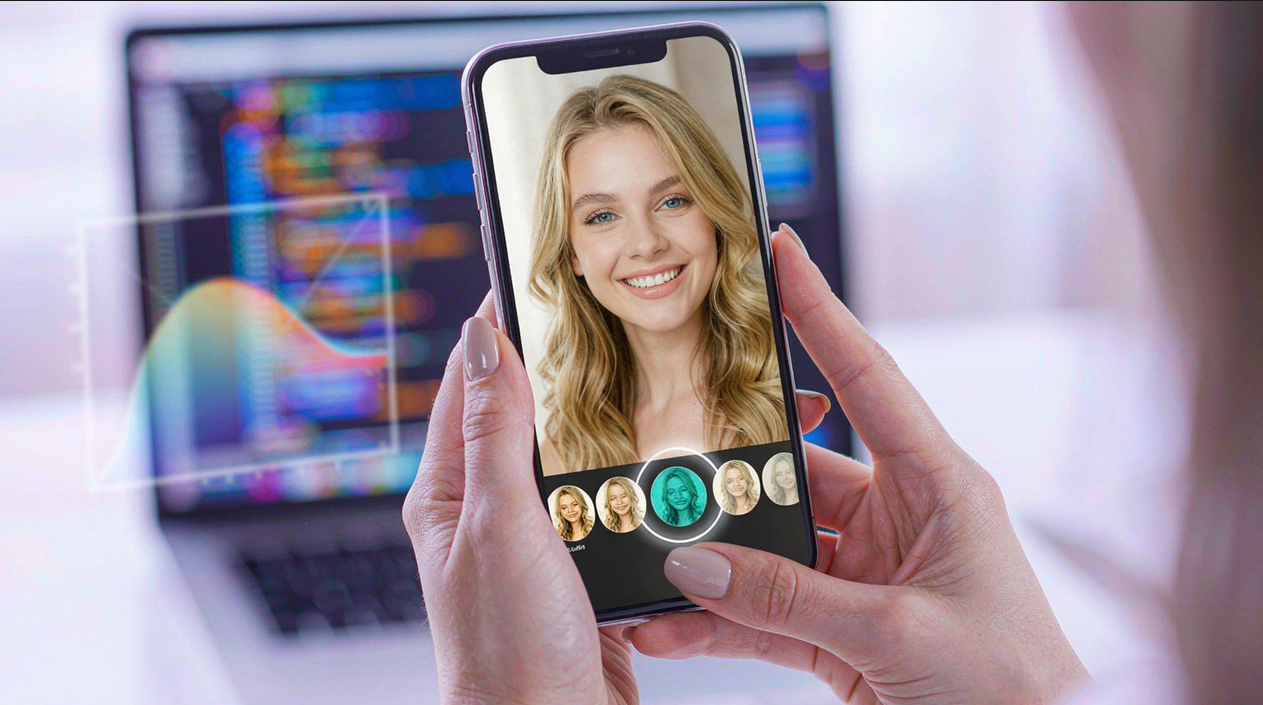
3. Why no pre-processing changes the loop
A pre-processing pass is appealing because it normalises everything: every frame arrives in one pixel format, at one resolution, in one colour space. It is also an unavoidable serial step between input and output, and it tends to grow features of its own — caching, invalidation, “we transcoded this one already” bookkeeping — until it is a subsystem nobody wants to touch.
Without it, the pipeline is shorter and the cost model is different:
- A newly captured clip is immediately evaluable, which is what makes record-then-preview feel immediate rather than buffered.
- Scrubbing a timeline does not wait on a background conversion before the first frame appears.
- A live stream renders what the camera actually produced, so what the operator sees is closer to what the audience receives.
For day-to-day editing, responsiveness is close to unparalleled: no waiting stage sits between a user action and the frame that reflects it.
The honest caveat is that skipping pre-processing moves work rather than deleting it. Format negotiation still happens; it happens inside the engine, close to the GPU, rather than in a layer you maintain.
4. Budgets you can plan around
| Cost line | What drives it | What you control |
|---|---|---|
| Base engine footprint | Modules loaded at startup | The SDK core is around 3 MB; AR, beauty, and AI modules load on demand |
| Per-frame analysis | How often full face analysis runs | One shared face analysis feeds filter placement and element anchoring rather than running per effect |
| Effect stack depth | Number of simultaneous filters | Per-filter packages are kept small; the size budget is cumulative |
| Output resolution | Device capability and target platform | Up to 8K video editing and 16K image processing where the host device allows |
| Colour pipeline | Mixed dynamic range input | HDR preview, mixed HDR/SDR timelines, and export in HLG or ST 2084 |
Two entries deserve expansion.
On-demand module loading is the difference between a predictable base and a growing one. If your launch feature set uses filters but no segmentation, you do not pay for segmentation. The reverse also holds: enabling an optional module later is an integration choice, not a rewrite.
Shared detection is the multiplier people miss. Adding a second filter or element does not add a second full face analysis, because downstream consumers — chain placement, element anchoring, and intensity application — read from one detection result. Deepening the effect stack therefore costs compositing work, not analysis work.
5. Where fast stops being truthful
Speed is easy to promise and hard to bound, so here is the part that does not improve with tuning.
Compression sets a ceiling below the resolution headline. Many captures come from low-resolution, heavily compressed front cameras, where fine detail degrades first around the eyes and along the lip line. No amount of engine efficiency restores detail the encoder discarded before the frame arrived; what the engine can do is stay conservative about how much structure it claims to have found.
Lighting changes what any rendered effect looks like, too. Rendered pigment is composited inside the exposure and white balance of the frame, so the same asset reads differently in daylight, indoors, and under mixed sources. The render follows the picture; it does not correct the room. If users are judging a shade against a physical product, they need to be told it is a preview, not a colour measurement.
Together these are why we recommend a small number of authored levels per element — light, standard, strong — rather than one fixed value. A level that reads correctly on one face in one room is not transferable, and a controlled range degrades gracefully where a fixed value does not.
6. Shipping faster than your release train
Because packages are content, the operational loop is different from the engineering loop. Design teams author in the authoring environment rather than writing a specification and waiting for an engineer to package it, and distribution does not wait on the next binary.
The snippet below is schematic. Names and signatures are illustrative and are not the shipped API surface.
// Illustrative embedded integration sketch for an editing host.
import { createEffectEngine } from "@meishe/effects-core"; // placeholder name

// Load only what this surface needs, at startup.
const engine = await createEffectEngine({
  modules: ["filters.core"],            // other modules load later, on demand
  assetChannel: "https://cdn.example.com/assets",
});

// Optional capability arrives without a rebuild.
await engine.modules.load("segmentation.portrait");

// A look references elements; nothing here is compiled into the app.
await engine.looks.apply({
  id: "look.autumn.01",
  elements: [
    { elementId: "lip.satin.maple", level: "standard" },
    { elementId: "eye.smoke.soft", level: "light" },
  ],
});

// Timelines and live streams evaluate the same descriptor.
await engine.timeline.setClipEffect(clipId, "filter.warm.film", { intensity: 0.6 });
await engine.export({ width: 3840, height: 2160, transfer: "hlg" });
The detail worth keeping: modules is an explicit list. Nothing loads because it exists in the package, and later additions arrive through one call rather than through a version bump.
FAQ
Does “no pre-processing” mean no conversion happens at all?
No. It means conversion happens inside the engine, near the GPU, rather than in a separate pass you schedule and maintain. The practical effect is that new frames are immediately evaluable and there is no cache layer of half-converted media to invalidate.
How do we keep the base footprint predictable?
Load only the modules the surface needs at startup and pull the rest on demand. The core is around 3 MB; additional capability such as AR, beauty, or AI modules is loaded explicitly, so growth is a decision rather than a side effect.
Is higher always slower when it comes to resolution?
Not linearly, because the limiting factor is usually the host device rather than a declared upper bound. The engine handles up to 8K video editing and 16K image processing; whether a specific phone, browser tab, or desktop machine sustains that depends on its own decoders and memory.
Can we mix HDR and SDR material on one timeline?
Yes. HDR preview is supported, HDR and SDR clips can share a timeline without manual conversion, and export follows either the HLG or the ST 2084 transfer curve. Baking everything to SDR at import is the option that quietly discards dynamic range.
What should we tell users about matching a physical product shade?
Tell them it is a preview, not a colour measurement. Rendered colour depends on the frame’s exposure and white balance, and compression limits fine detail most visibly at the eyes and lip line, so a small set of authored levels communicates more honestly than a precise number.
Ready to see it in your own stack? Request a free trial or talk to our integration team — we’ll help you scope the modules you actually need.