

A video effects SDK for iOS, Android, Flutter, and React Native gives your app camera effects on all four targets: face beautification, 2D and 3D stickers, filters, background segmentation, and gesture interaction. Native teams integrate the engine directly; Flutter and React Native teams reach the same stack through the short-video solution, so the effects and the effect packages stay identical across every build you ship.
1. Product Positioning
The Meishe video effects SDK runs on the cross-platform audio/video processing engine shared across the product family, rendering with real-time rendering without pre-processing. iOS and Android are the native targets; the short-video solution carries the stack to Flutter and React Native teams. The SDK is the effects layer — your app keeps its own interface, permissions, and upload flow, and the same effect packages resolve on every target.
2. What your users get on each target
| Capability | On iOS and Android | On Flutter and React Native |
|---|---|---|
| Face beautification | Live skin smoothing, reshaping, and makeup in the camera preview | The same looks through the short-video solution’s hosted pipeline |
| 2D and 3D stickers | Face-anchored props that follow head movement | Same sticker sets, same anchoring |
| Filters | Adjustable-intensity colour filters on capture and streaming | Same filter packages |
| Segmentation | Real-time background replacement without a green screen | Same segmentation module |
| Gesture detection | Raised-hand and wave triggers for effects and actions | Same gesture events at the framework layer |
The point of the table: capability does not shrink on the cross-framework path. A Flutter build offers the same effect library as the native builds beside it.
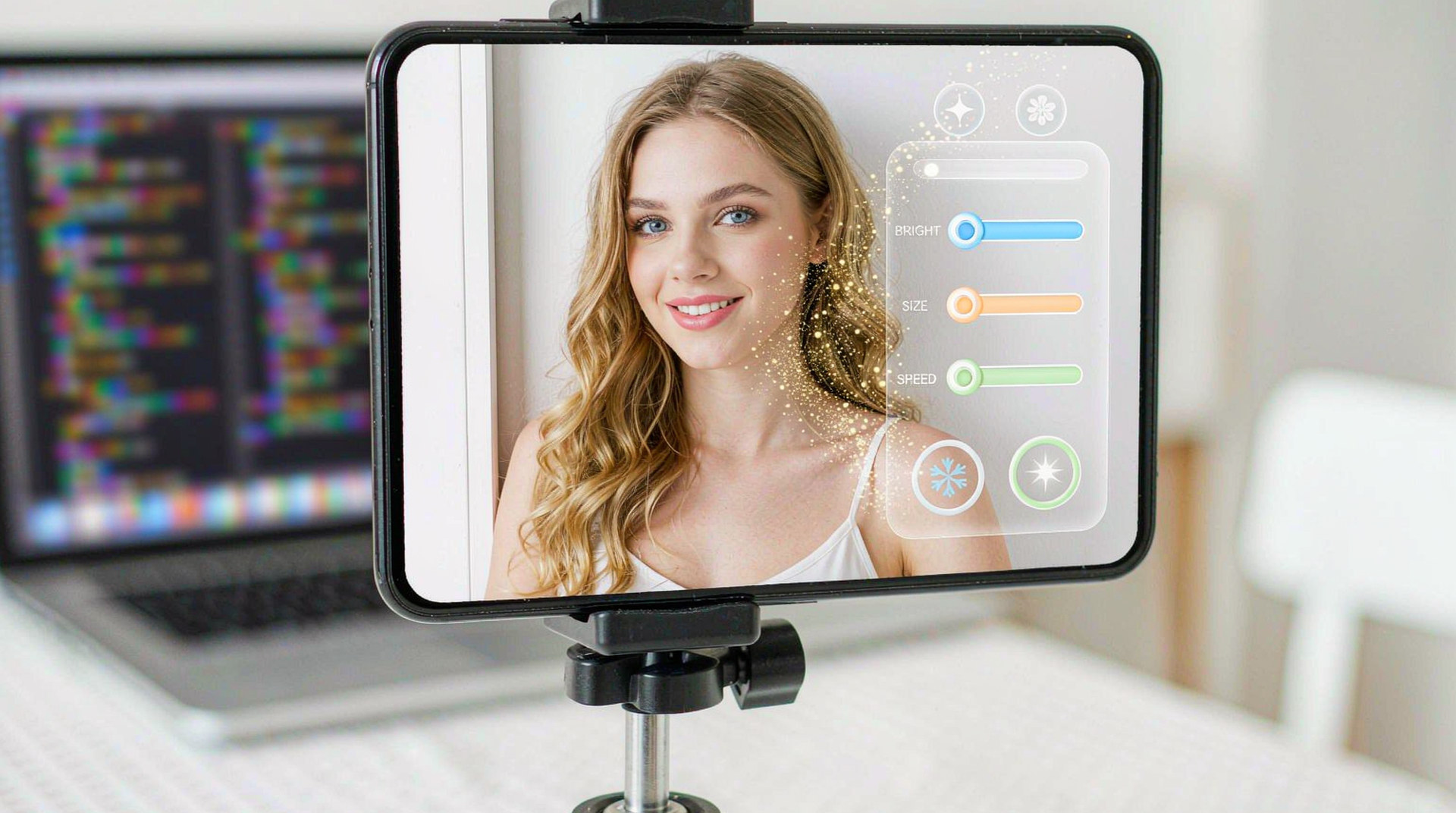
3. How the integrations differ — and what stays the same
The native path links the engine into your camera session directly: you own the capture surface, and the SDK renders effects onto each frame before preview or encoding. The cross-framework path routes the same engine through the short-video solution, which handles the platform bridging for you — per-frame work stays native, and only coarse commands like “apply this look” cross the bridge into Dart or JavaScript.
What stays identical is the content:
- One package identifier —
look.natural.01— resolves on iOS, Android, and through the Flutter and React Native integrations. - One content pipeline — the Asset Creation Platform publishes packages that every build picks up.
- One update path — campaigns ship as data, so no target waits on a store review cycle that another target already cleared.
The snippet below is schematic. Names and signatures are illustrative, not the shipped API.
// Illustrative: coarse commands cross the bridge; frames stay native.
import { EffectsView } from "@meishe/short-video"; // placeholder name

<EffectsView
  initialLook="look.natural.01"
  onGesture={(g) => g.type === "wave" && cycleSticker()}
/>
4. Fitting a mixed-stack product
Many teams ship a native core app plus a Flutter feature surface, or an app plus a React Native prototype that later becomes production. A single SDK across those stacks means the effects roadmap does not fork:
- The seasonal campaign authored this quarter runs on today’s native build and on next quarter’s Flutter module without re-authoring.
- QA verifies a package once per target family, not per framework permutation.
- A developer moving between the iOS and Flutter codebases works against the same effect model and the same package format.
The mixed-stack case also shows up at hiring time. A team that hires Flutter specialists does not lose its effects investment — the new hires work with the same packages, the same authoring platform, and the same update pipeline as the native team, because the SDK treats both stacks as first-class consumers of one content library.
5. What shipping looks like per target
| Target | Integration route | Effect packages |
|---|---|---|
| iOS | Engine linked into the camera session, Swift or Objective-C host | Same package library |
| Android | Engine linked into the camera session, Kotlin or Java host | Same package library |
| Flutter | Short-video solution hosting the pipeline, Dart surface | Same package library |
| React Native | Short-video solution hosting the pipeline, JS surface | Same package library |
Whichever row a build lives in, the content answer is the column on the right — one library, no forks.
6. Why teams choose Meishe
| Advantage | What it means for your project |
|---|---|
| Self-developed engine | One cross-platform audio/video processing engine behind every target — years of in-house engine development and a deep video patent portfolio |
| Real-time, no pre-processing | Effects render the moment the camera opens, native or cross-framework |
| Small footprint | The SDK core stays small on mobile; optional modules load on demand |
| One content pipeline | Effect packages authored once in the Asset Creation Platform serve every build |
| Native plus cross-framework | iOS, Android, Web, and Desktop (Windows) natively; Flutter and React Native through the short-video solution |
7. What shipping teams ask first
- Which path for our Flutter app? The short-video solution — it is the supported route for cross-framework teams and carries the full effect set.
- Do cross-framework builds lag behind native on new effects? No. Both resolve the same packages; a new effect type reaches every target when its package ships.
- Who owns the camera permission flow? Your app does, on every target. The SDK renders once frames arrive.
Three questions surface in almost every mixed-stack planning conversation. First, ordering: teams usually integrate the native target they know best, prove the effect stack there, then add the second surface — the package library carries over untouched either way. Second, staffing: the Flutter developer and the iOS developer work against the same effect model, so content knowledge transfers across the team instead of living in one codebase. Third, updates: because packages ship as data, a campaign never waits on the slower of the two store review processes — content lands when you publish it.
None of these require special tooling; they are properties of one SDK serving every target from one content pipeline.
Cross-framework targets hold the same rule. A Flutter module added next quarter resolves the identical packages as the native build beside it, so the mixed-stack product keeps one content truth across every surface it ships.
FAQ
Can we ship native first and add Flutter later?
Yes, and the effect library carries over untouched — the same packages resolve on the new target from day one.
Does gesture detection work through React Native?
Yes. Gesture events arrive at the JavaScript layer as coarse events; the detection itself runs natively on the frame stream.
Is the short-video solution a separate product to license?
It is the supported integration path for Flutter and React Native within the Meishe product family — talk through your target list with the integration planning conversation and the packaging follows it.
How do we test effects across four targets?
Verify each package once per target family. Because the engine and packages are shared, cross-target differences show up as platform behaviour, not as effect differences.
What does the SDK add to app size on each platform?
The core stays small on mobile, and optional modules — AR props, AI features — load on demand, so each build carries only what it enables.