

A “best of” list cannot make this choice for you — every mobile product weighs effects, devices, and team size differently. What actually helps is a short list of things that separate a strong mobile effects SDK from a weak one, with a concrete look at what Meishe provides on each.
1. Product Positioning
The Meishe video effects SDK runs on the cross-platform audio/video processing engine shared by the product family, rendering real-time without a preprocessing stage. iOS and Android are the native mobile targets, with Web, Desktop (Windows), smart hardware, React Native, and Flutter — supported through the short-video solution — alongside. It is the effects layer inside your own app: beautification, 2D and 3D stickers, filters, segmentation, and gestures, all shipped as packages your team controls.
2. Five things worth checking — and what Meishe gives you
| What to check | Why it matters on mobile | What Meishe provides |
|---|---|---|
| Real-time rendering | Effects must appear on the live preview the instant the camera opens | Real-time rendering without pre-processing on the shared engine |
| Effect updates without app releases | Campaigns move faster than store review | Effect packages are data — updates ship through your own channel |
| One detection, many effects | Stacking effects should not stack cost | One face analysis per frame feeds beautification, stickers, and makeup together |
| Device range | Your users are not all on flagships | Detection cadence adapts inside the same package across the device matrix |
| Footprint | Every MB competes with your features | Around 3 MB core on mobile, optional modules load on demand |
3. The feature set users notice
Mobile users judge an effects SDK by what they see in the first ten seconds of the camera:
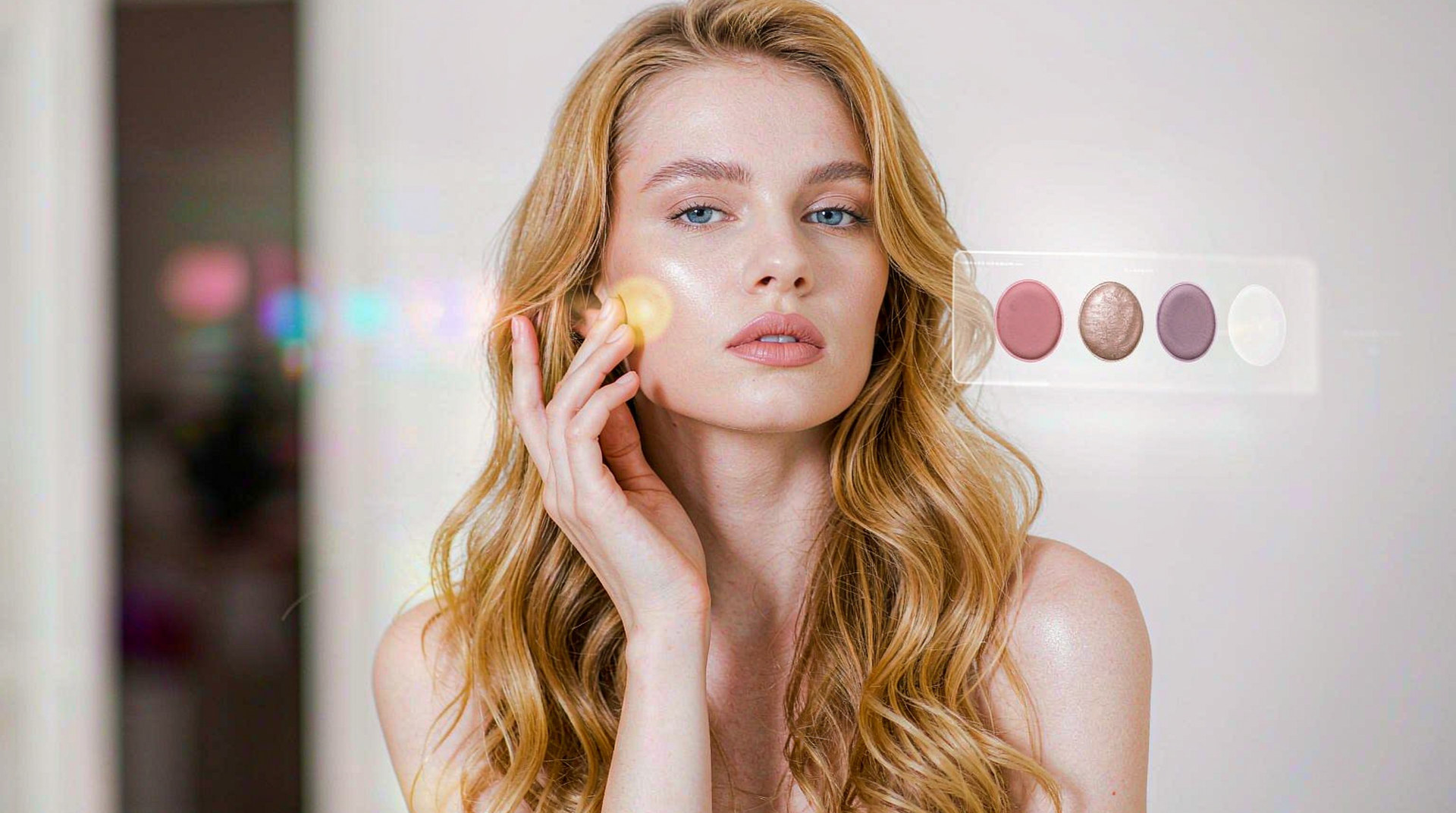
- Beautification that looks natural — smoothing and reshaping applied live, with per-element intensity so the look is tuned rather than one blanket setting. The same element can present as light, standard, or strong, so the effect matches the product’s tone instead of overwhelming it.
- Stickers that stay attached — 2D and 3D props anchored to facial features, following head movement in real time. A festival campaign goes from design draft to live package without an engineering ticket in between.
- Filters with adjustable strength — colour filters users can dial up or down, consistent between capture and sharing. The same filter runs on the live stream and on the exported clip.
- Background replacement — real-time segmentation, no green screen, straight from the phone camera. The replaced scene is itself a package, so seasonal backgrounds ship like seasonal stickers.
- Gesture interaction — a raised hand starts an effect, a wave switches the sticker. Interaction rides the same detection pass as everything else, so playfulness costs no extra analysis.
The snippet below is schematic. Names and signatures are illustrative, not the shipped API.
// Illustrative: a camera screen composed from the effect stack.
import { createEffectsRuntime } from "@meishe/ar-effects"; // placeholder name

const rt = await createEffectsRuntime({ platform: "android" });
await rt.looks.apply("look.natural.01");
await rt.props.attach("prop.glasses.round.3d");
4. The parts engineering cares about
- One integration, three surfaces. The camera, the editor timeline, and the live stream all resolve the same packages, so effects verified once work everywhere.
- A content pipeline that scales. Designers author packages in the Asset Creation Platform without engineering tickets; Special Effects Customization delivers produced collections when you need them.
- Cross-platform reach from one library. Start on mobile, extend to Web and Desktop (Windows), and the effect library carries over.
The device question deserves a concrete picture. A camera feature that ships worldwide meets flagship phones, mid-range daily drivers, and budget hardware in the same release. With detection cadence adapting inside the same effect package, the mid-range device holds the same campaign content as the flagship — the difference shows up as resolution and frame rate, not as a shortened feature list. That single property removes a whole class of “lite build” maintenance most teams would otherwise inherit.
5. A realistic rollout order
| Stage | What ships | What it proves |
|---|---|---|
| Week 1–2 | SDK linked, preview running with stock packages | The engine holds your camera pipeline and frame budget |
| Week 3–4 | Your first authored look and sticker set live | The content pipeline works from your own team |
| Month 2 | Segmentation or gestures enabled, streaming verified | The stack holds under your real feature load |
| Ongoing | Campaigns published through your channel | Content velocity without release cycles |
6. Why teams choose Meishe
| Advantage | What it means for your project |
|---|---|
| Self-developed engine | Meishe’s own cross-platform audio/video processing engine, developed and refined in-house across the product family |
| Real-time, no pre-processing | Effects the moment the camera opens |
| Small footprint | Around 3 MB core; optional modules on demand |
| Content pipeline included | Asset Creation Platform plus Special Effects Customization keep the library growing after launch |
| Cross-platform coverage | iOS, Android, Web, Desktop (Windows), smart hardware, React Native, Flutter |
7. What shipping teams ask first
- Which modules do we carry at launch? Only what you enable — a filters-only app does not carry the AR modules.
- How fast can a campaign go live? A package publish through your own channel; no store review for content updates.
- What is the integration effort on two platforms? One engine, one package format — iOS and Android integrations mirror each other.
With the SDK in place, the first quarter typically lands: a launch feature set live on iOS and Android, an authored effect library replacing stock packages, one seasonal campaign shipped as a data update, and a second platform target either live or in progress. Each of those milestones reuses the same engine and the same packages — the quarter compounds instead of restarting.
The second quarter then starts from content velocity rather than integration work: the team plans campaigns on the marketing calendar, publishes through its own channel, and spends engineering time on product features instead of effect porting.
The pattern generalises: once the first platform is live and the content pipeline is warm, each additional surface — a web target, a desktop build, a smart-hardware variant — is an integration task measured in days, not a content project measured in months.
FAQ
How long does integration take on iOS and Android?
The engine links into your camera session, and the package format is shared — teams typically run a proof of concept on one platform first and mirror it on the second.
Can our designers add stickers without a developer?
Yes. Stickers and looks are authored in the Asset Creation Platform and published as data — no engineering ticket per campaign.
Does the SDK work with our existing camera implementation?
The SDK is the effects layer on top of your capture flow; your camera, permissions, and upload pipeline stay as they are.
Can we extend to Web later without re-authoring effects?
Yes. The same packages resolve on Web, so the mobile library extends as-is.
What happens when a new OS version ships?
Updates during the cooperation period keep the SDK current with platform changes — your packages and integration carry forward, and one conversation covers the surfaces your product ships on.