

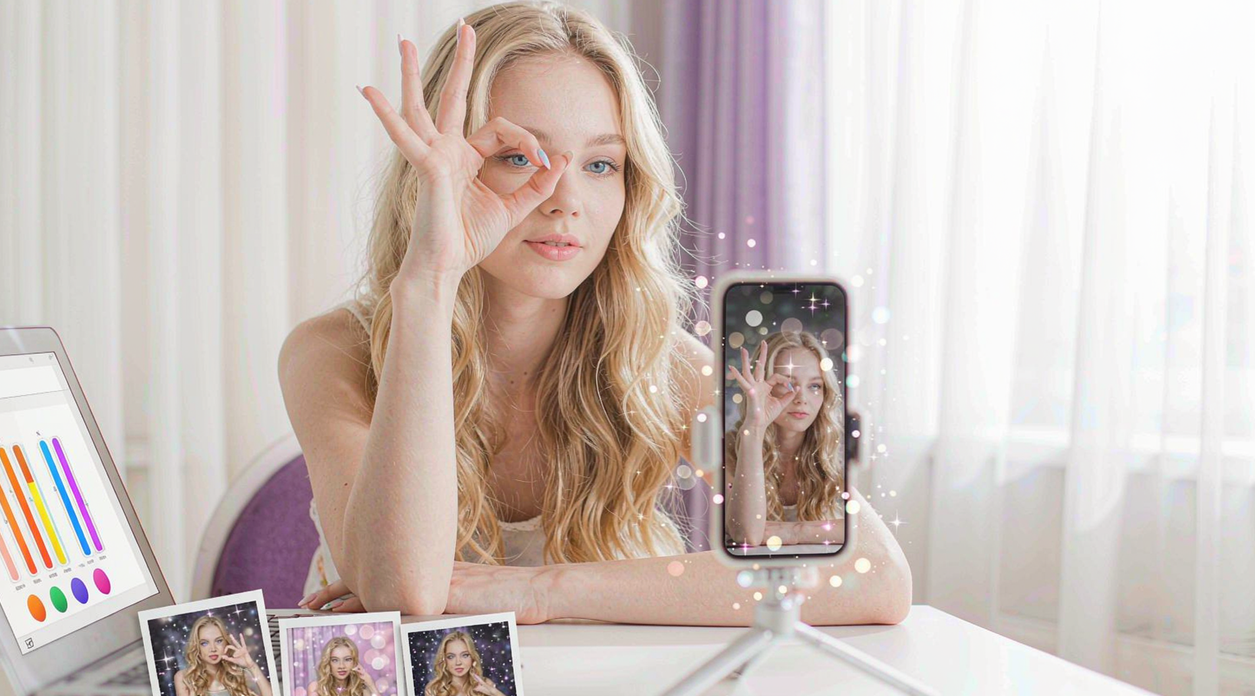
Real-time gesture detection turns the camera into a controller: a raised hand starts an effect, a wave switches the sticker, a clenched fist advances a template step — recognized live on the preview, on iOS, Android, and Web alike. It is the interaction layer that makes an effects feature feel like play instead of a menu.
1. Product Positioning
Gesture detection in the Meishe stack runs on the cross-platform audio/video processing engine the product family shares, rendering real-time with no preprocessing stage. iOS, Android, and Web are this article’s focus; Desktop (Windows) and smart hardware round out the platform set, with React Native and Flutter arriving through the short-video solution. Gesture detection shares the effects stack’s one analysis pass, so adding interaction adds no second detection cost.
2. What gestures do in your app
| Interaction | What users do |
|---|---|
| Raise to start | Lift a hand to launch an effect — no tap, no menu |
| Wave to switch | A wave cycles stickers or looks mid-session |
| Clench to advance | A fist advances template steps in guided flows |
| Hands-free capture | Gestures trigger recording without touching the device |
Each gesture maps to an event your app receives — coarse, reliable, and instant — and each trigger rides the same per-frame detection that powers beautification and props.
3. What makes gesture interaction feel right
Two properties carry the experience:
- Shared detection. Gestures read from the same analysis pass as the rest of the effects stack — a user wearing beautification, a sticker, and gesture triggers generates one detection cost, not several. The interaction stays free in frame-budget terms.
- Event-level integration. Your app receives gesture events, not video frames — a clean contract at every platform, from Swift hosts to the browser tab.
The snippet below is schematic. Names and signatures are illustrative, not the shipped API.
// Illustrative: gesture events across platforms.
import { createEffectsRuntime } from "@meishe/ar-effects"; // placeholder name

const rt = await createEffectsRuntime({ platform: "web" });

rt.on("gesture:raise", () => startEffect());
rt.on("gesture:wave", () => cycleSticker());
rt.on("gesture:clench", () => nextTemplateStep());
4. Where gestures earn their keep
| Product moment | What gestures change |
|---|---|
| Recording solo content | Start and switch effects without leaving the frame |
| Live streaming | Interact with effects hands stay visible, controls stay hidden |
| Guided capture flows | Template steps advance on a fist — the flow feels like a game |
| Group photos | A raised hand triggers the capture for everyone in frame |
The common thread: gestures remove the interface from moments when the interface would be in the shot.
5. Why teams choose Meishe
| Advantage | What it means for your project |
|---|---|
| Self-developed engine | The cross-platform audio/video processing engine used across the product family, refined through years of shipping |
| Real-time, no preprocessing | Gestures register the moment they happen |
| One detection pass | Interaction costs no additional analysis |
| Consistent events | The same gesture contract on iOS, Android, and Web |
| Part of the effects family | Gestures join beautification, props, and filters from one stack |
6. What shipping teams ask first
- Which gestures should launch first? Raise and wave cover the highest-value interactions — start and switch — with one clean event each.
- How are gestures tuned for our audience? The events your app receives are stable; your product decides what each gesture does in its flows.
- Does gesture detection add frame cost? No — it rides the stack’s shared detection pass, already running for the effects your app shows.
The three-platform parity has a planning consequence worth naming: interaction design decisions stop being platform decisions. The flow your team designs — raise to start, wave to switch — is the flow every user gets, on the phone and in the browser, because the event contract is identical everywhere. One design session, three shipping surfaces.
The web case deserves its own mention for reach: a campaign page that wires a wave to a visible prop gives visitors the interactive moment with no install at all — the gesture loop becomes the ad. Products that try it once tend to keep a web surface in every campaign thereafter.
None of this is extra SDK to operate — it is the same stack, already running for the effects, with its interaction layer switched on.
The cross-platform parity also simplifies the demo circuit: the same gesture loop walks an iOS review, an Android review, and a web stakeholder session without re-staging — one flow, three rooms, identical behaviour. Teams that ship behind three app-store schedules appreciate the savings every release week.
The gesture layer also earns its place in the product story: hands-free interaction is one of the few camera behaviours that demos itself in a single session — a stakeholder waves, the sticker changes, and the meeting moves on to scheduling rather than explanation. Features that explain themselves ship faster and survive roadmap reviews longer.
Combined with the shared-detection design — interaction riding the analysis the effects already run — the capability has a cost-to-delight ratio nothing else in the stack matches: one event contract, three platforms, and every effect your catalogue holds waiting on the other side of a raised hand.
Three platforms, one contract, every effect on the other side of a raised hand — that is the gesture layer’s whole offer.
And the gesture layer keeps its promise at scale: the same contract that served the launch demo serves the millionth session, because the events are stable by design and the detection underneath is the engine’s work, not a per-device gamble. Products grow into their gesture features rather than out of them.
That longevity is the closing argument for shipping the interaction layer early: it starts as a delight, matures into a signature, and never asks for a rewrite.
Raise, wave, clench — three events, three platforms, and the camera becomes a controller. Ship the interaction layer; the delight ships itself.
From the first demo to the millionth session, the contract holds, the budget holds, and the feature keeps earning its place in the product story. That is the gesture layer’s record, and it is why cameras that ship it rarely ship without it again.
FAQ
Does gesture detection work during live streaming?
Yes — the same events fire on the streaming surface, which is where hands-free interaction shows its value most.
Can gestures work together with beautification and stickers?
Yes — all capabilities share one detection pass, so the full stack including gestures runs at responsive frame rates.
Is the gesture set the same on every platform?
Yes — the same recognized gestures raise the same events on iOS, Android, and Web.
Can our app define custom gesture meanings?
Yes — the SDK delivers gesture events; your product maps each event to the action that fits its flows.
How do we demo gesture detection?
Open the camera, wire two events to visible actions, and play — the immediacy of the interaction sells itself in one session.