

Gesture-triggered AR effects are the combination that makes a camera feel alive: the gesture layer supplies the trigger, the effects family supplies the response — a raised hand launches a 3D prop, a wave swaps the sticker, a fist advances the template. On mobile in 2026, the products that feel magical are the ones where that loop is instant, reliable, and invisible.
1. Product Positioning
Meishe delivers gesture-triggered effects as one stack: gesture detection, props and stickers, filters, and beautification on the cross-platform audio/video processing engine used across the product family, rendered with real-time rendering without pre-processing. Coverage spans iOS and Android natively, with Web, Desktop (Windows), smart hardware, React Native, and Flutter supported through the short-video solution. Triggers and effects share one detection pass — the interaction layer costs no additional analysis.
2. The interaction patterns users love
| Pattern | The loop | Where it shines |
|---|---|---|
| Raise-to-launch | Hand up, effect on | Solo recording, group photos |
| Wave-to-switch | Wave, next sticker | Sessions users stay in — the switch reads as play |
| Clench-to-advance | Fist, next step | Guided templates, photo booths, onboarding flows |
| Hands-free capture | Gesture starts the recording | Any moment the interface would spoil the shot |
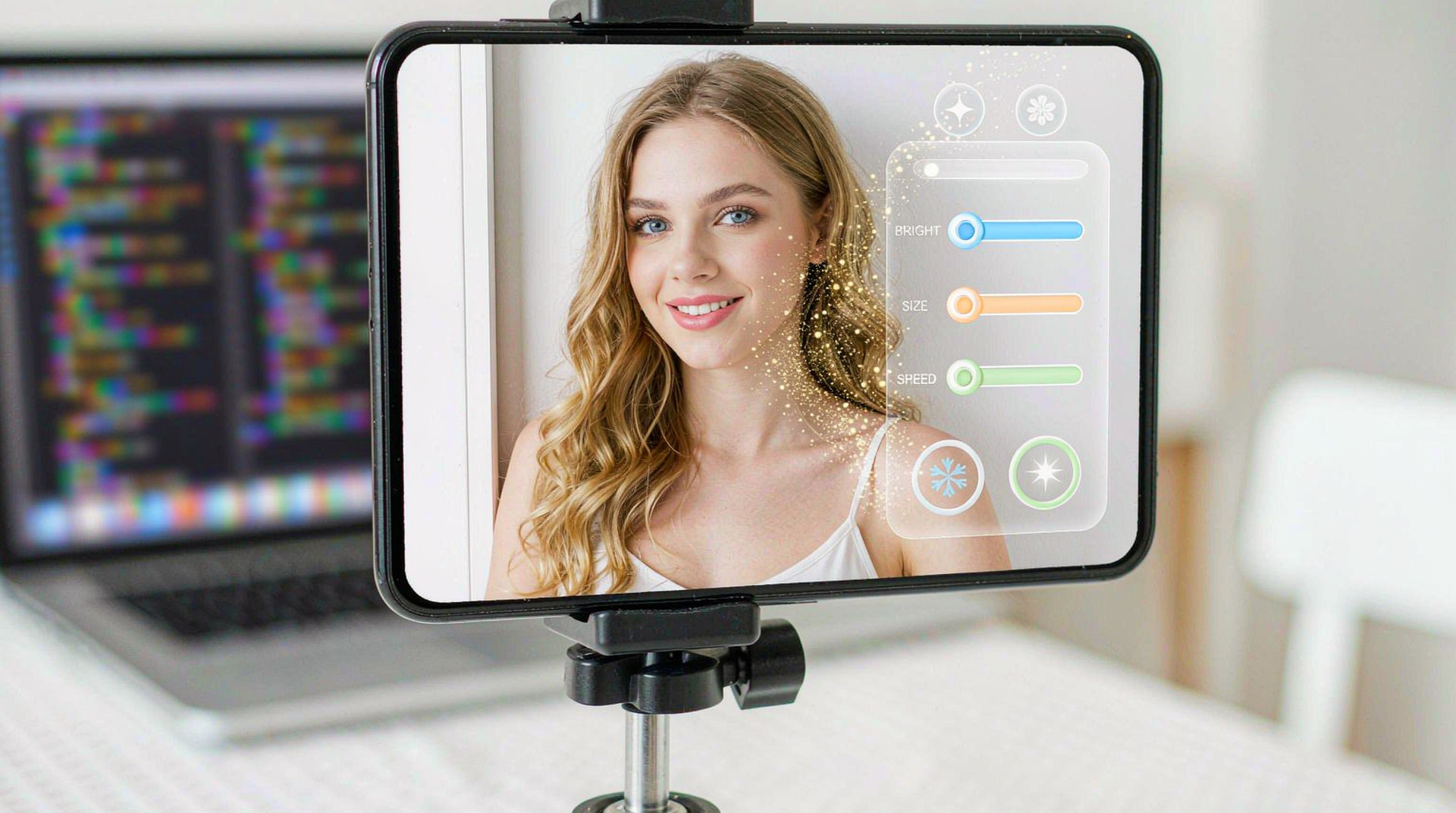
Each pattern is two moves — trigger and response — and the response is whatever your effects catalogue holds: a 3D prop family, a seasonal sticker, a filter, a look.
3. Designing the loop well
Three design habits separate the gesture features users adopt from the ones they toggle off:
- Make the response visible and immediate. The wave should change something users can see within the moment — a prop cycling, a look switching. Instant feedback is what teaches the trigger.
- Start with the gestures users know. Raise, wave, clench map to everyday movements; the first session teaches them without a tutorial.
- Keep the interface out of the loop. The point of the gesture is the unbroken shot — flows that still require taps between triggers lose the magic the gesture bought.
The snippet below is schematic. Names and signatures are illustrative, not the shipped API.
// Illustrative: the loop wired end to end.
import { createEffectsRuntime } from "@meishe/ar-effects"; // placeholder name

const rt = await createEffectsRuntime({ platform: "android" });

rt.on("gesture:raise", () => {
  recording.start();
  props.attach("prop.crown.festival.3d");   // visible response
});
rt.on("gesture:wave", () => props.cycle()); // the play loop
4. What the stack brings to the design
The engineering properties underneath the design freedom:
- One detection pass powers gestures and effects together — the interactive camera costs the same frame budget as the passive one.
- A stable event contract — the same triggers on every platform, so the interaction design transfers across targets untouched.
- Content as data — the response side of the loop refreshes with your catalogue: seasonal prop families make old gestures feel new again.
5. Why teams choose Meishe
| Advantage | What it means for your project |
|---|---|
| Self-developed engine | The cross-platform audio/video processing engine used across the product family, refined through years of shipping |
| Real-time, no preprocessing | The loop is instant — trigger and response in the same moment |
| One detection pass | Interaction is free in frame-budget terms |
| Effects family included | The response side of every gesture is your whole catalogue |
| Content as data | Seasonal responses refresh the interaction without releases |
6. What shipping teams ask first
- What should the launch interaction set be? Raise-to-launch and wave-to-switch, wired to a visible prop family — the two-move loop that teaches itself.
- How do gestures interact with our existing camera UI? They coexist — gestures remove the UI from moments it would spoil, and the UI remains for everything else.
- Can the interaction grow after launch? Yes — new responses are content publishes; the gesture vocabulary and its reliability stay constant while what it triggers keeps refreshing.
A closing design observation from shipped products: the gesture features users remember are built around one signature moment — the wave that reveals the campaign prop, the fist that advances the party template. Products that find their moment and polish its two moves outperform products that scatter gestures across every screen.
The stack supports that focus naturally: the trigger is one event, the response is one publish, and the moment between them is your creative team’s to design. Season by season, the moment refreshes; the magic stays.
That is the whole craft in a sentence: one gesture, one visible response, zero interface — the loop users play with, not the one they learn.
A final note on team memory: document the loop you shipped — which gesture, which response, which flow — in the same place your effects catalogue lives. The interaction design and the content it triggers are one system, and the team that keeps them together iterates both at the same speed.
That pairing is where the compounding lives: each season’s content refresh teaches the old gestures new tricks, and each flow revision gives the catalogue new places to appear. The camera gets livelier while the trigger set stays exactly as simple as the day it launched.
For teams ready to plan: the gesture feature’s launch cost is one wiring session — events to actions, actions to visible responses — and its ongoing cost is nothing the engine does not already do. The budget conversation is genuinely that short.
One last thought on where the bar sits in 2026: users no longer read gesture features as technology — they read them as either delight or annoyance, decided in the first three seconds. The stack’s job is to keep those seconds on the delight side — instant response, visible change, no interface — and the design’s job is to keep giving the loop new responses to reveal. The products that do both are the ones whose cameras get shared without being asked.
Trigger, response, zero interface — design the loop, publish the responses, and let the camera do the talking.
The teams that internalize that order — loop first, catalogue second, vocabulary never — ship the gesture features users actually keep on.
FAQ
Do gesture-triggered effects work in live streams?
Yes — and streaming is where they shine: presenters trigger effects while performing, and viewers see the interaction happen.
Can gestures trigger beautification changes rather than props?
Yes — events map to any stack action: switching looks, adjusting to a preset, cycling filters.
Can we A/B different responses to the same gesture?
Yes — the response side is content and wiring; experimenting with it costs a package publish, not a release.
How many gestures should a product expose?
The compact set — raise, wave, clench — composed across flows; the composition covers more ground than a longer vocabulary.
Can gesture flows ship before the effects catalogue is large?
Yes — one hero prop family is enough response for launch; the loop’s magic is the trigger-response timing, not the catalogue’s size.