

Your users create on phones, refine on tablets, finish on desktops and present on big screens. MeisheSDK keeps the project intact across every screen.
A single video now travels across more screens than ever: captured on a phone, reviewed on a tablet, refined on a desktop, presented on a TV or a large display. Each screen has a different size, input model and performance budget — and the user expects the project to behave the same on all of them.
Cross-screen editing is what MeisheSDK’s multi-terminal architecture is designed to deliver: one engine, one project format, every screen.
The screen map
Phone screens favor capture and quick edits. Tablets offer a middle ground with more timeline space. Desktops are where precision work and multi-track detail happen. TVs and large displays are for presentation and review. A complete video product should meet users on every one of these surfaces rather than forcing them into a single form factor.
Consistency across screens
Consistency is not just visual; it is functional. A template, effect or draft that behaves one way on the phone and another way on the desktop breaks the user’s mental model of the product. Because every Meishe surface runs the same self-developed engine behind the same API, behavior is consistent by construction — the effect you tuned on desktop looks the same when the user checks it on the phone.
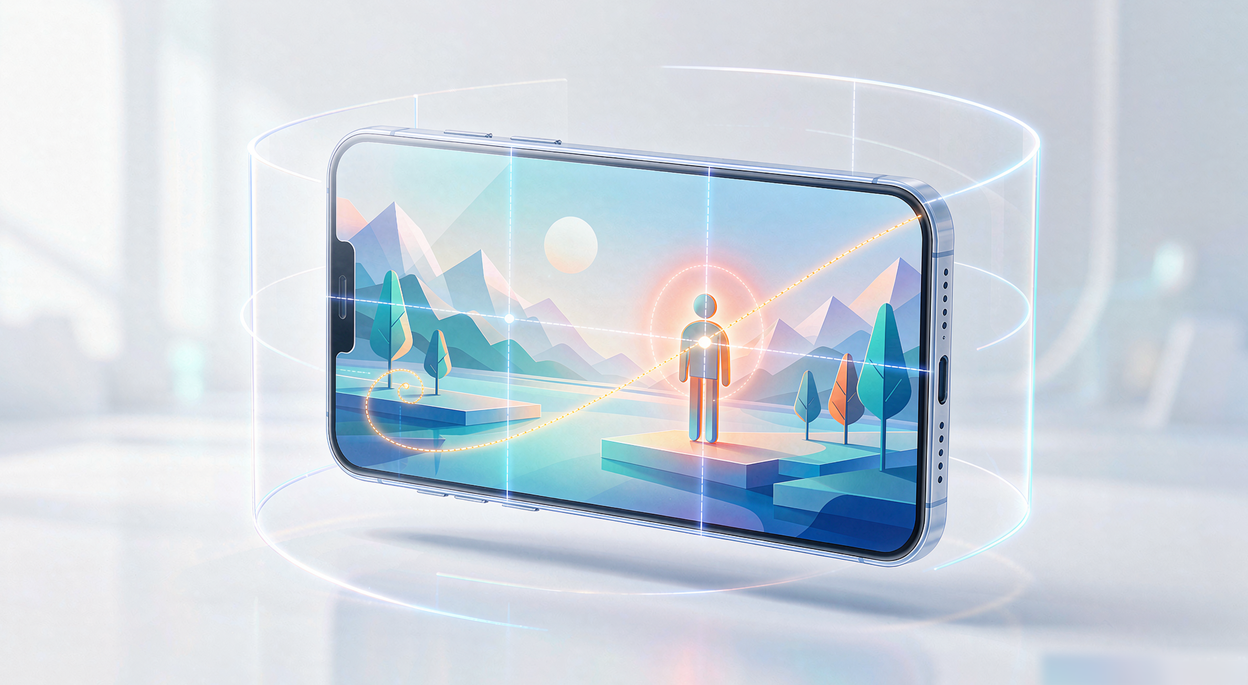
Real-world scenarios
Newsrooms and media teams edit on workstations and review on tablets between assignments. Retail and signage teams generate local content on desktops and push it to large displays. Agencies produce on desktop, get client feedback on phones, and present final cuts on meeting-room screens. In every case, the project must survive the journey between surfaces.
MeisheSDK’s cross-screen toolkit
The toolkit covers the map: native applications for iOS, Android, Windows and macOS, a browser-based cloud editing system, engineering interoperability across mobile, PC and cloud, and XML and AA timeline export for professional pipelines. Drafts and templates move between screens with their edits intact, and the material store keeps effects consistent everywhere.
For product teams, the practical benefit is a single roadmap instead of per-screen ones. Build the editor once; let users take it to every screen they own.
Ready to take your editor beyond a single screen? Ask the Meishe team for a cross-screen demo that starts on a phone and ends on a large display.