
AI in video editing splits into two very different promises. One is “an assistant that helps you edit” — suggestions, tweaks, a chat box near the timeline. The other is “work that is already done” — the captions are on the timeline, the long footage is already cut to its good parts, the script is already a video. This comparison looks at which promise each SDK ships: the AI features inside the Meishe SDK versus what the IMG.LY Video Editor SDK contains.
1. The short version
The Meishe SDK ships AI that does production work: smart cutting, automatic captions, automatic dubbing, automatic color grading, and script-to-video generation — inside the editing pipeline, on the timeline, without manual steps.
The IMG.LY Video Editor SDK does not contain these features. Their broader platform takes a different approach — AI as an extensible layer their ecosystem can connect to — but the video editor itself ships without the production features listed above.
2. Feature by feature
| AI capability | Meishe | IMG.LY Video Editor |
|---|---|---|
| Smart cutting — scene detection finds the usable parts of long footage | Included | Not in this product |
| Beat detection — cuts land on the music | Included | Not in this product |
| Auto captions — speech becomes timed text | Included | Not in this product |
| Auto dubbing — text becomes natural voice-over, multiple providers | Included | Not in this product |
| Auto color grading — consistent look across varied footage | Included | Not in this product |
| Script-to-video — a script becomes a finished video | Included | Not in this product |
| Smart detection and tagging — scenes, people, objects, quality, audio rhythm | Included | Not in this product |
| AI image tools — object removal, sky replacement, upscaling | Included in the feature set | Design-tool AI in their broader platform |
| Runs against the editing pipeline natively | Yes — AI is part of the engine workflow | Not applicable |
3. What the features actually do, in workflow terms
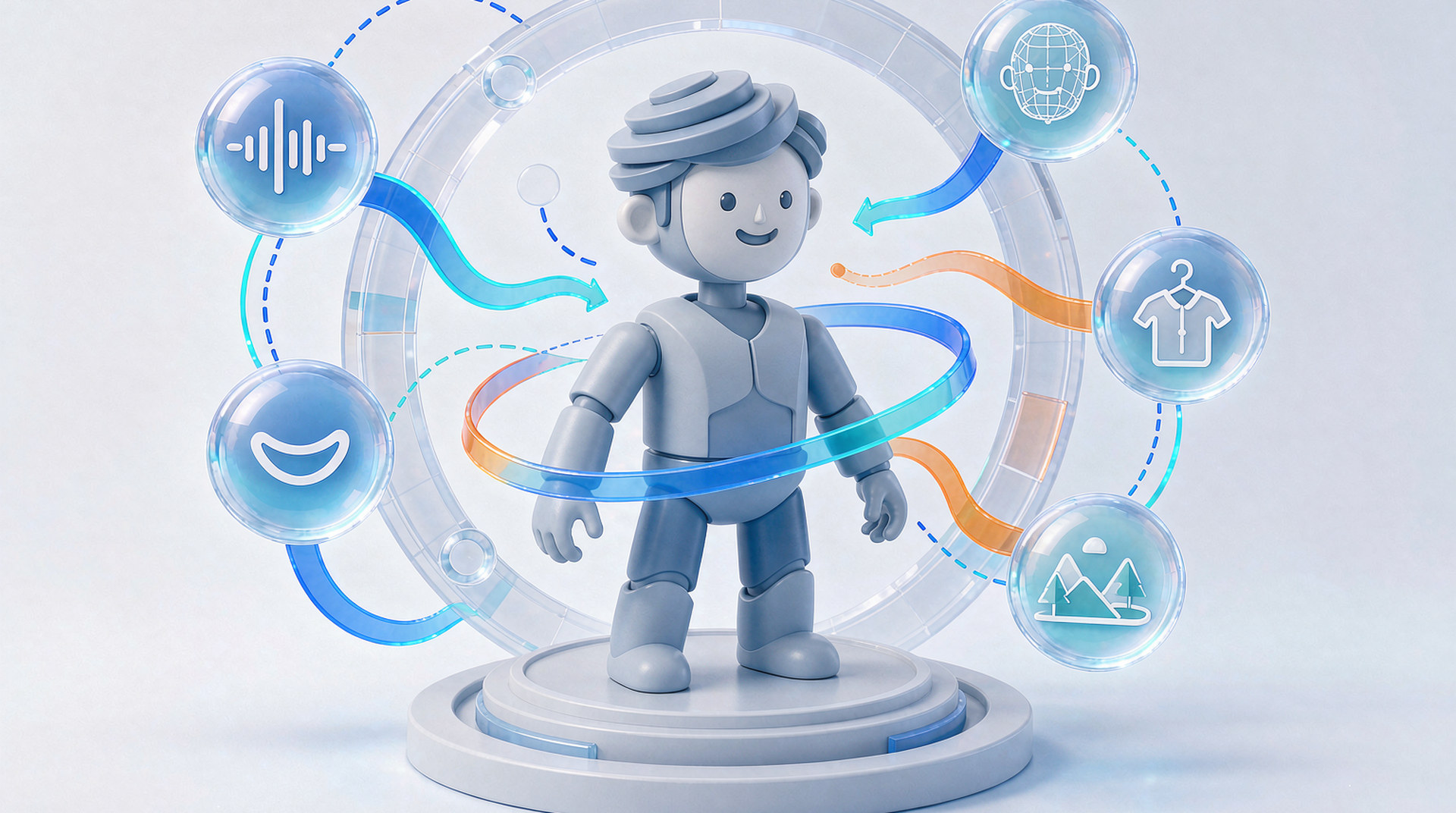
Smart cutting and beat detection. Twenty minutes of raw footage becomes a rough cut in seconds — the engine detects scenes and beats and assembles the usable parts. The user’s editing session starts at “refine” instead of “watch everything.”
Auto captions and dubbing. Speech-to-text puts timed captions on the timeline automatically; text-to-speech turns scripts into voice-over with multiple providers supported. For products serving multiple languages, that pair is the difference between shipping one market comfortably and shipping many.
Auto color grading. Footage from different phones, different rooms, different days gets a consistent look without a colorist. On a social product, consistency is what makes user content feel like one product.
Script-to-video. The production ender: paste a script, and the system segments scenes, generates voice, matches assets, and assembles the video. Marketing teams that produce at volume — product videos per SKU, promos per campaign, localized versions per market — stop editing one video at a time.
Detection and tagging. Scenes, people, objects, image quality, audio rhythm — recognized and tagged automatically, which is how libraries stay searchable once the footage count grows past memory.
4. The philosophical difference, stated plainly
IMG.LY’s approach to AI — per their own materials — is an open layer: their platform can connect models, and AI assists rather than automates. That is a coherent design for a design-tool company: their user is a designer who wants control, and an assistant fits.
Meishe’s approach is production: the AI features exist to remove work, not to accompany it. The user of a short video app does not want a suggestion about where to cut — they want the cut made. The marketing team does not want help writing captions — they want the captions written, in six languages, for sixty videos.
Neither philosophy is wrong. But they are not the same product, and the feature table above is what each philosophy ships.
5. What AI production means for your roadmap
- A short video or social app. Smart cutting and auto captions are retention features — the first session produces a shareable video, and the first share brings the next user.
- A commerce or marketing platform. Script-to-video plus batch rendering is an assembly line: template, inputs, volume.
- An international product. Auto dubbing turns one video into many markets’ videos; the multi-provider support means the voices fit the regions.
- An enterprise tool. Detection, tagging, and consistent color keep growing libraries usable — the operational AI that nobody demos but everybody depends on.
If any of those rows describe your product, the AI question is not “which SDK has an AI story” but “which SDK’s AI does the work” — and the table in section 2 answers it.
6. Why teams pick Meishe
- AI that ships in the product. Cutting, captions, dubbing, color, script-to-video — in the SDK, on the timeline, working on day one.
- Production, not assistance. Features built to remove work from users who did not want the work.
- The engine underneath. Detection models tuned to run on-device, including lighter variants for low-end phones — over 20 years of video engineering and 70+ patents behind the pipeline.
- Multi-language by design. Caption and dubbing provider choice built for products that serve many markets.
- A vendor that ships, not suggests. The AI feature list is in the documentation, demonstrable in evaluation, and supported by a dedicated project team.
A final practical note: keep the test corpus. The clips that stressed each SDK in evaluation — the long one, the messy one, the awkward format — become your regression suite for every update and every device addition. Ten minutes of file management turns one evaluation into a permanent quality habit for the product.
FAQ
Can IMG.LY’s platform add AI features through plugins?
Their broader ecosystem describes an open AI layer. The Video Editor SDK itself ships without the production features compared here — adding them means work outside the product you are evaluating.
Do Meishe’s AI features run on the device or in the cloud?
The editing-side features — cutting, captions on footage, color — run against the engine in your product’s pipeline. Cloud rendering handles volume production like script-to-video batches.
What languages do auto captions support?
Speech-to-text and text-to-speech integrate multiple providers; language coverage follows the provider set — the current list is in the documentation.
Does smart cutting work on long footage?
That is its main job — scene and beat detection across long raw footage to find the usable parts. It is the difference between a rough cut in seconds and an afternoon of scrubbing.
How do we evaluate AI features honestly?
Bring your worst real footage — long, messy, multilingual — and run it through each SDK’s actual workflow. AI quality shows on difficult inputs, not curated demos.