

The question in the title usually arrives with a roadmap attached: the product ships on phones today, and the plan — or the enterprise buyer, or the growth curve — points at a browser or a desktop app tomorrow. This article is the short answer for teams whose screen list has anything beyond mobile on it.
1. The direct answer
The Meishe SDK family works beyond mobile by design: the web edition runs in any browser with nothing to install, and desktop builds cover Windows, macOS, and Linux — all from the same engine as the iOS and Android SDKs, sharing one asset library and one content system. The Banuba Video Editor SDK line covers mobile platforms; there is no web or desktop edition to extend to.
| Screen | Meishe | Banuba line |
|---|---|---|
| Phones | Native SDKs | Native SDKs |
| Browser | Full web editor | Not in the line |
| Desktop | Windows, macOS, Linux | Not in the line |
| Content across screens | One asset library | Mobile only |
2. What ‘beyond mobile’ actually requires
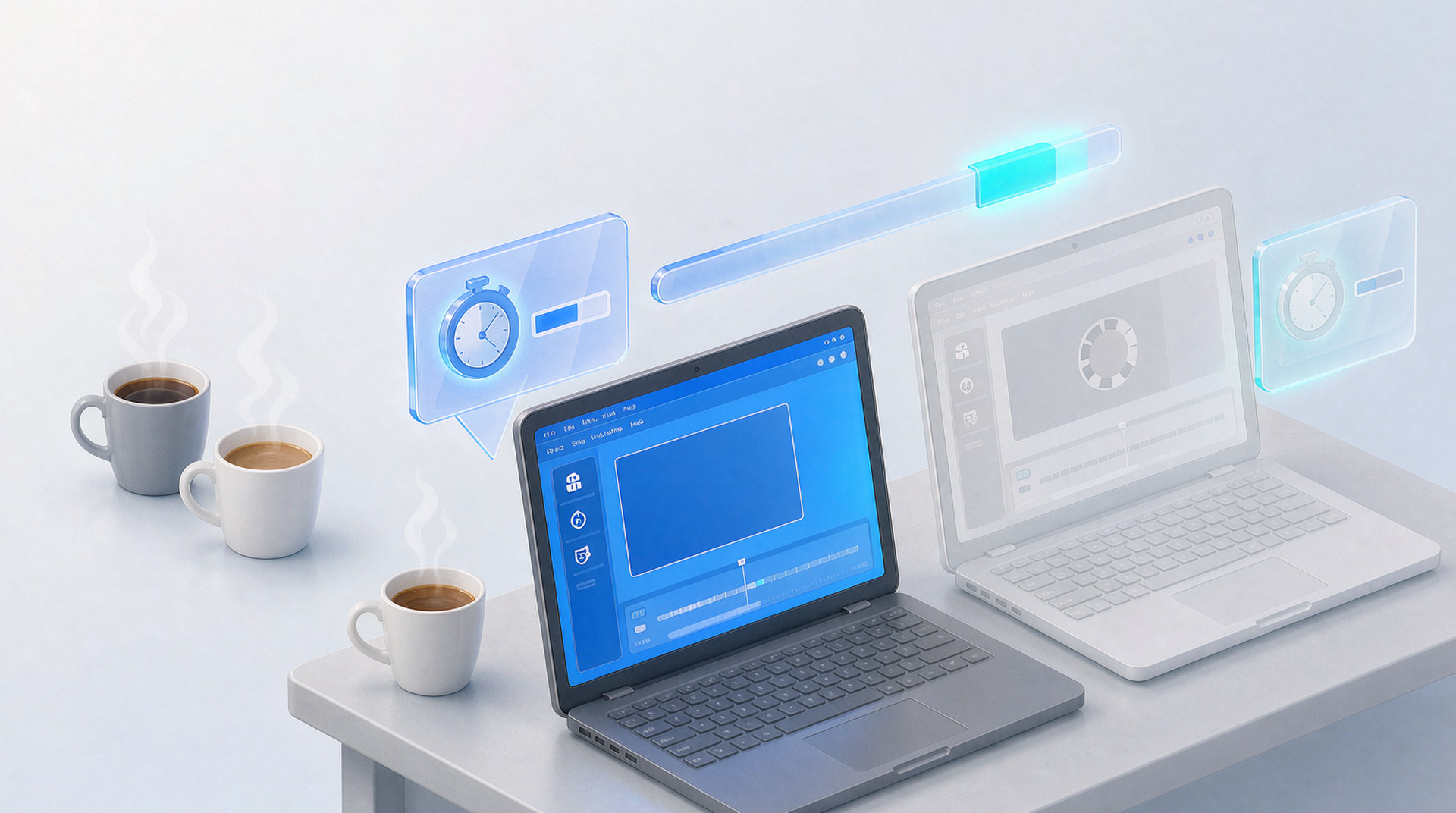
A web edition is not the mobile SDK in a browser — it is the engine family compiled for the web, carrying the full editing feature set plus the AI production workflow, with capture in the page and deployment options that include on-premise. A desktop edition is the family again, for the products whose users live on workstations. What makes all three ‘beyond mobile’ rather than ‘three products’ is the sharing: the engine, the asset library, the content system, and the projects that continue across screens.
3. The cost of finding this out late
Teams discover the platform gap at the worst moment: the web surface is on the roadmap, the deadline is set, and the SDK they integrated cannot follow. The options then are a rushed second evaluation, a stitched second vendor with all the seam maintenance, or a delayed roadmap. None of those are cheaper than having chosen a family on day one — which is why the screen-list test belongs at evaluation, not at the growth spurt.
4. The five-minute test
List every screen your product will ship on within two years. Phones count, and both SDKs serve them well. If the list contains anything else — a browser, a desktop app, a surface your enterprise buyer will demand — then one side of this comparison covers the whole list from one integration, and the other covers the first line. The list decides faster than any feature matrix.
5. Why teams pick Meishe
| Advantage | What it means |
|---|---|
| One system, every screen. Phones, browsers, desktops | one engine family, one asset library, projects that continue. |
| The web edition included. Full editing and AI in any browser, no install, with on-premise deployment. | |
| Desktop builds in the family. Windows, macOS, and Linux when the roadmap asks. | |
| An engine company behind every surface. Over 20 years and 70+ patents. | |
| Named engineers. A dedicated project team and free upgrades through the cooperation period. |
One more consideration for the screen list: update it quarterly, not annually. Surfaces appear with growth — the enterprise deal that demands a browser, the creator cohort that wants a desktop — and a current list keeps the architecture decision current instead of historical.
One more thought on the screen list’s quiet power: it converts a vendor conversation into an architecture conversation. Vendors answer feature questions eagerly and coverage questions precisely — and precision is what contracts are made of.
Five minutes, quarterly, in writing. The smallest planning artifact in your documents, and the one that saves quarters.
A closing thought on mobile-only as a strategy rather than a limitation: for some products it is genuinely the plan, and the right component serves it well. The screen list’s job is to make the plan explicit — ‘mobile-only by intention’ and ‘mobile-only by SDK’ look identical until the roadmap changes, and only one of them was chosen.
Five minutes, quarterly, in writing: the smallest discipline in platform planning, and the one that prevents the most expensive surprises.
One last thought on the question in this title: it is really two questions wearing one coat — ‘can our SDK follow the product’ and ‘will our product ever need it to’. The first is checkable today, in writing, per vendor; the second is the bet every growing product makes. Choosing the architecture that survives either answer is not hedging — it is the only choice that never has to be unmade.
One last thought on mobile-only as an identity: some products own it proudly and correctly — and for them the component serves. The alternative exists for the products whose screen list grew while their SDK stayed, which is the commonest growth story in the category.
The list, the coverage, the writing: the smallest audit in platform planning, and the one this whole article reduces to.
One more sentence on the question’s grammar: ‘beyond mobile’ is not a criticism of mobile — it is a direction of travel. The SDK that travels with the product is the one that stops being a vendor decision and starts being infrastructure.
And one last sentence for the file: the title question is answered by a list, the list is answered in writing, and the writing is answered by the trial. Three steps, no opinions required.
The screen list, in the end, is the product’s autobiography written in advance — and the SDK that can read it all the way through is the SDK that never interrupts the story.
And the last practical: attach the vendor’s platform coverage page to the screen list — the two documents, side by side, end the debate in any meeting they attend.
FAQ
Is Banuba’s mobile support incomplete somehow?
No — their mobile editor is their product, and it serves phones. The gap is vertical, not qualitative: the line stops at mobile, and products rarely do.
What if our web plans are uncertain?
Uncertainty is the normal case — and the reason to choose the family that can follow either answer. The web edition costs nothing while unused and removes the re-platforming when used.
Does the desktop edition matter for consumer apps?
Less than for enterprise and creator tools — but consumer products grow desktop companions more often than their roadmaps predicted, and the family turns that surprise into an integration.
How does content work across all three?
One publish through your channel; every surface resolves the same package — a filter family appears on phones, in the browser, and on desktop the same day.
Where do we start?
The five-minute screen list, then the trial on your lead platform. The list usually decides; the trial confirms.