

“Make videos programmatically” is the whole idea in three words: describe a video as data or code, hand that description to an engine, and get finished video back — no editing suite, no clicking, no render button babysitting.
Meishe’s product line is built around exactly that loop. A C++ audio/video engine — the same core that has powered Meishe’s native SDKs across mobile and desktop — compiled to WebAssembly for the browser, paired with a server-side rendering pipeline and a JSON project format that ties everything together. Code is the source of truth; the video is the output.
Three Ways to Command the Same Engine
Programmatic video tools usually give you one door: an API, or a framework, or an editor. Meishe gives you three, all speaking the same project format:
1. JSON — videos as data.
A Meishe project is a JSON document: clips on tracks, text with timing, effects with parameters, audio at volumes. Feed that document to the rendering pipeline and video comes out. The server-side rendering JSON examples show complete, parseable payloads — timelines, transitions, captions, stickers, watermarks — that run as-is against the synthesis API.
2. APIs — videos as function calls.
Wrap the JSON in your backend: build payloads from your data, submit synthesis tasks, poll for completion, deliver files. One engine handles validation, queueing, and rendering; your code handles business logic.
3. The editor — videos people can touch.
The same project format opens in a full interactive timeline editor: multi-track, drag-and-drop, trimming, keyframes. Automation and human editing share one source of truth, so a template output and a user draft are the same kind of object.
That third door is what makes the first two stronger. Most programmatic video systems are render-only: when a human needs to adjust the output, the pipeline has no answer. Here, the machine’s output is the editor’s input — the loop closes.
Two Modes, One Platform
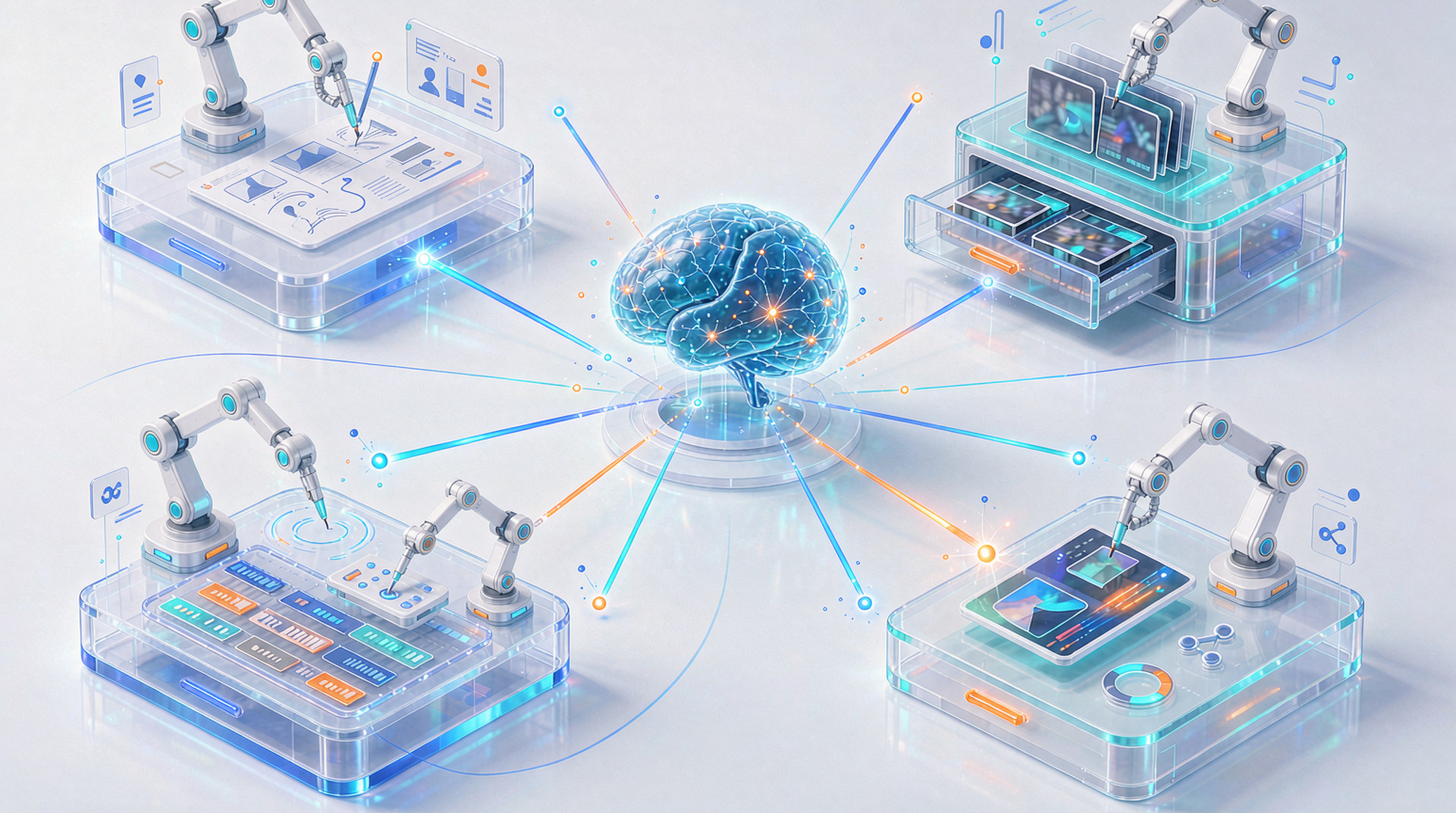
The interactive editor and the programmatic pipeline aren’t two products bundled together — they’re two front doors to the same engine, speaking the same project format. A team can run pure automation (JSON in, video out, no UI ever mounted), pure interactive editing, or both: templates generated by pipeline, refined by users in the embedded editor, re-rendered by pipeline. Switch workflows at any time; code remains the source of truth either way.
And the deployment follows the same flexibility: the SDK and rendering pipeline run on your own infrastructure — on-premise servers or your private cloud. Nothing about your media, your projects, or your rendering jobs passes through anyone else’s machines. For teams in regulated industries or with strict data policies, programmatic video doesn’t have to mean handing content to a vendor: the whole stack deploys inside your perimeter.
What “Programmatically” Buys You
The point of describing videos as data isn’t technical elegance. It’s what becomes possible:
Volume. One template plus a catalog feed equals a thousand product videos overnight. The batch pipeline — a task scheduler dispatching to compile and transcode workers — starts on a single server and grows to a multi-worker or Kubernetes cluster without changing how your app submits tasks. The batch rendering docs map the full deployment path.
Consistency. Every video renders from the same engine with the same behavior — the layout, the timing, the transitions — whether it renders in a browser, on a server, or on a phone. Deterministic output means “render it again” means “the same video.”
Personalization. Because the project is data, generating variants is data manipulation: swap the text field, point the clip URL at a different asset, adjust the duration. A/B variants, per-customer cuts, localized versions — all the same pipeline.
Speed to change. Marketing wants the end card to hold half a second longer? Change one value in the template, re-render. No timeline surgery, no editor round-trip.
The Engine Underneath
What separates an engine-driven approach from a template service is the layer below the JSON:
- Broadcast-grade media stack: multi-track audio with EQ, keyframes and Bézier speed curves, professional color, 8K/HDR support
- AI built in: speech-to-captions, background removal and portraits, beauty — invocable as pipeline steps, not integrations to assemble
- An effects ecosystem: filters, transitions, stickers, AR effects as installable asset packages (browse the library)
- The same core compiled everywhere: WebAssembly in the browser, native on iOS/Android/desktop, server workers in the render farm — one project format, every platform
For teams building with AI agents, the same surfaces agents need — JSON in, video out, deterministic rendering — are the surfaces Meishe exposes. The agent skills catalog shows the SDK’s capabilities wrapped for coding agents across platforms.
Where the Loop Closes
The shortest path to seeing the loop run: the editor demo puts the engine in your browser — scrub a timeline, feel the responsiveness, then remember every interaction there is also an API call and a JSON field. The overall process documentation walks the server side end to end: environment, task submission, rendering, delivery.
Make videos programmatically — with an engine that also lets people make videos personally. That combination is the whole product.