
“Create video programmatically” carries a promise: the moment a video needs to exist — a product update, a customer’s recap, a nightly digest — it simply gets created, from data, without anyone opening an editor.
That promise usually breaks on two rocks. Either the “programmatic” part is a thin template service that can’t handle real media work (multi-track audio, transitions, captions that actually look right), or it’s a developer framework so low-level that every real-world feature becomes a build project. Meishe’s line takes the position that you shouldn’t have to choose: creation-grade programmatic video, from a broadcast-grade engine, with the editing surface included.
The Creation Loop, Concretely
Step through what “create” actually means in Meishe’s pipeline:
1. Start from a template or from scratch.
A template is a project with data slots — the hook, the clip, the headline, the end card. Build one in the interactive editor (or via API), and it becomes a reusable starting point: the same document format, with holes to fill.
2. Fill the slots with data.
Your backend merges template + data into a complete project JSON — title text from the product record, clip URLs from your CDN, durations from the content itself. The JSON examples show what completed documents look like: tracks, clips, captions with styling, effects with parameters.
3. Render — server, browser, or both.
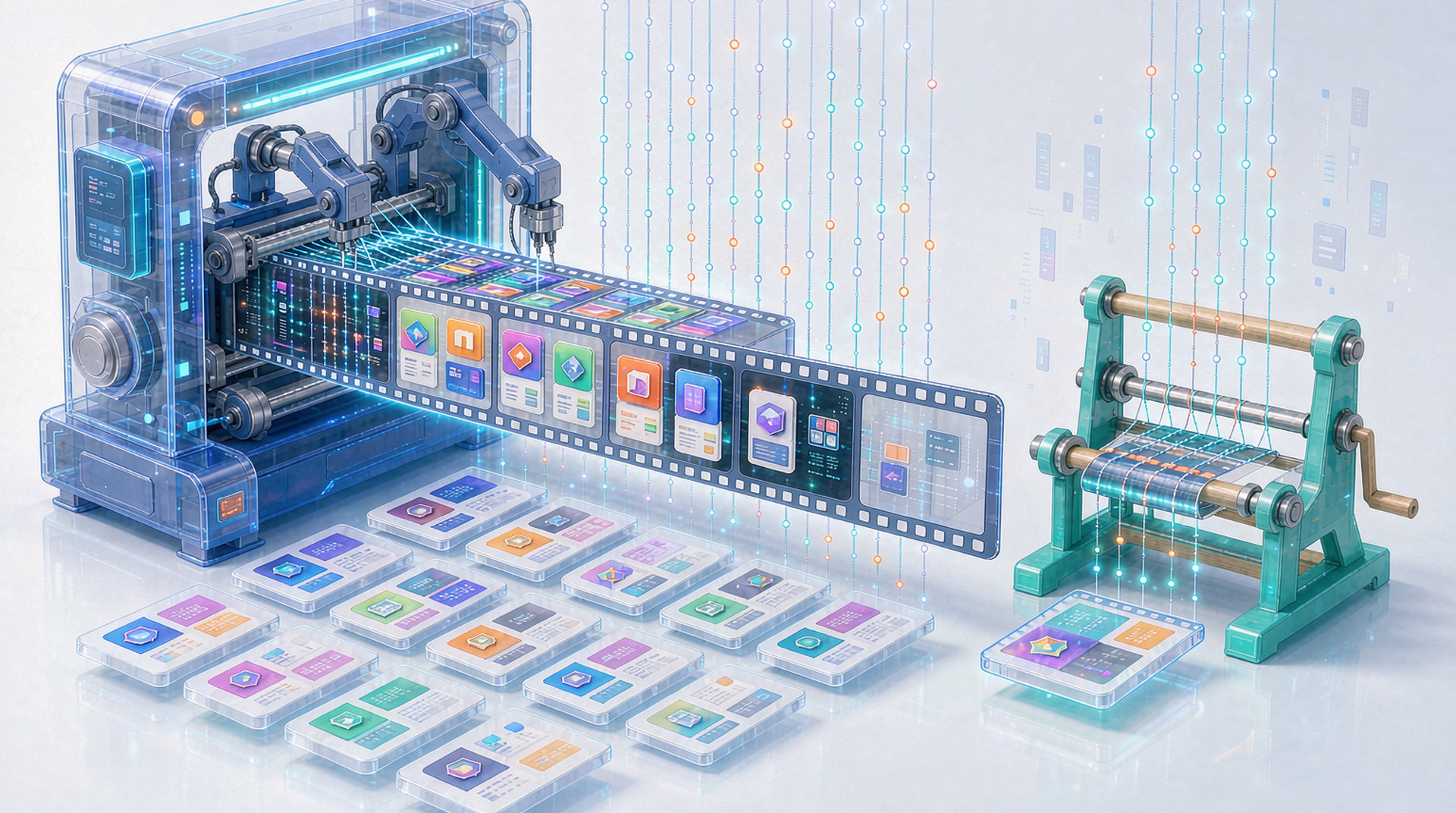
Submit the project to the synthesis pipeline for output files (batch rendering when volume grows), or render client-side in the browser, where the WebAssembly engine turns the same project into instant previews and quick exports on the user’s GPU.
4. When a human needs to touch it — they can.
The output and the draft are the same format. Open the project in the editor, adjust the title, nudge the timing, re-render. Automation and editing aren’t two systems sharing an export folder; they’re one format with two front doors.
That last step is where creation stops being a one-way pipeline. Most “video generation” tools produce files; a project format produces work product — things that can be revisited, revised, and versioned.
Creation-Grade Means Real Media Capabilities
The difference between a demo and a product shows up in the details the demo never tests:
| Capability | What it means for creation |
|---|---|
| Multi-track timeline | Video, audio, captions, stickers as independent lanes — real compositions, not slideshows |
| Styled and animated captions | Outlines, shadows, per-item styling, animation — text that looks like it belongs in video |
| Transitions with parameters | Durations and types per cut, not one global fade |
| Effects with intensity | Filters and AR effects as tunable parameters, not bake-ins |
| 8K/HDR pipeline | The ceiling is high enough for broadcast-grade output |
| AI in the loop | Captions from speech, background removal, beauty — as pipeline steps |
The effects library behind those middle rows is what keeps created videos from all looking like the same template: professional transitions, sticker sets, AR effects, installable as asset packages.
Creation for Every Author
The quiet advantage of one format with multiple front doors: different authors work the way that suits them.
- Developers author with JSON and API calls — generation pipelines, template systems, integrations
- Designers author in the editor — timelines, keyframes, effect tuning
- AI agents author through the same machine surfaces developers use — and Meishe ships agent skills that wrap the SDK’s capabilities for coding agents
- Users (in your product) edit drafts the other three authored — because the editor embeds in your app
One project format, four kinds of creator. The alternative — a code format for machines, a proprietary format for the editor, an export pipeline gluing them together — is three integrations pretending to be one product.
What Gets Created
The pattern generalizes across industries because the loop is indifferent to content:
- Product videos from catalog data — every SKU gets its clip, automatically
- Recaps and digests from activity data — weekly summaries nobody assembles
- Personalized marketing from customer data — variants per segment, per language
- User-generated content pipelines — templates users start from, drafts they finish themselves
In each case the creation moment is the same: data reaches a template, the engine renders, the video exists. The overall process docs map that moment end to end.
The Standard for “Programmatically”
Judge any “create video programmatically” claim against three questions: Can it express real videos (multi-track, styled text, effects), not just title cards? Does it scale past the demo (queues, workers, growth path)? And when a human needs to touch the result, does the system have an answer, or does it end at the render?
A creation loop that survives all three questions is the one worth building on.